
Martyna Osuchowska Photography
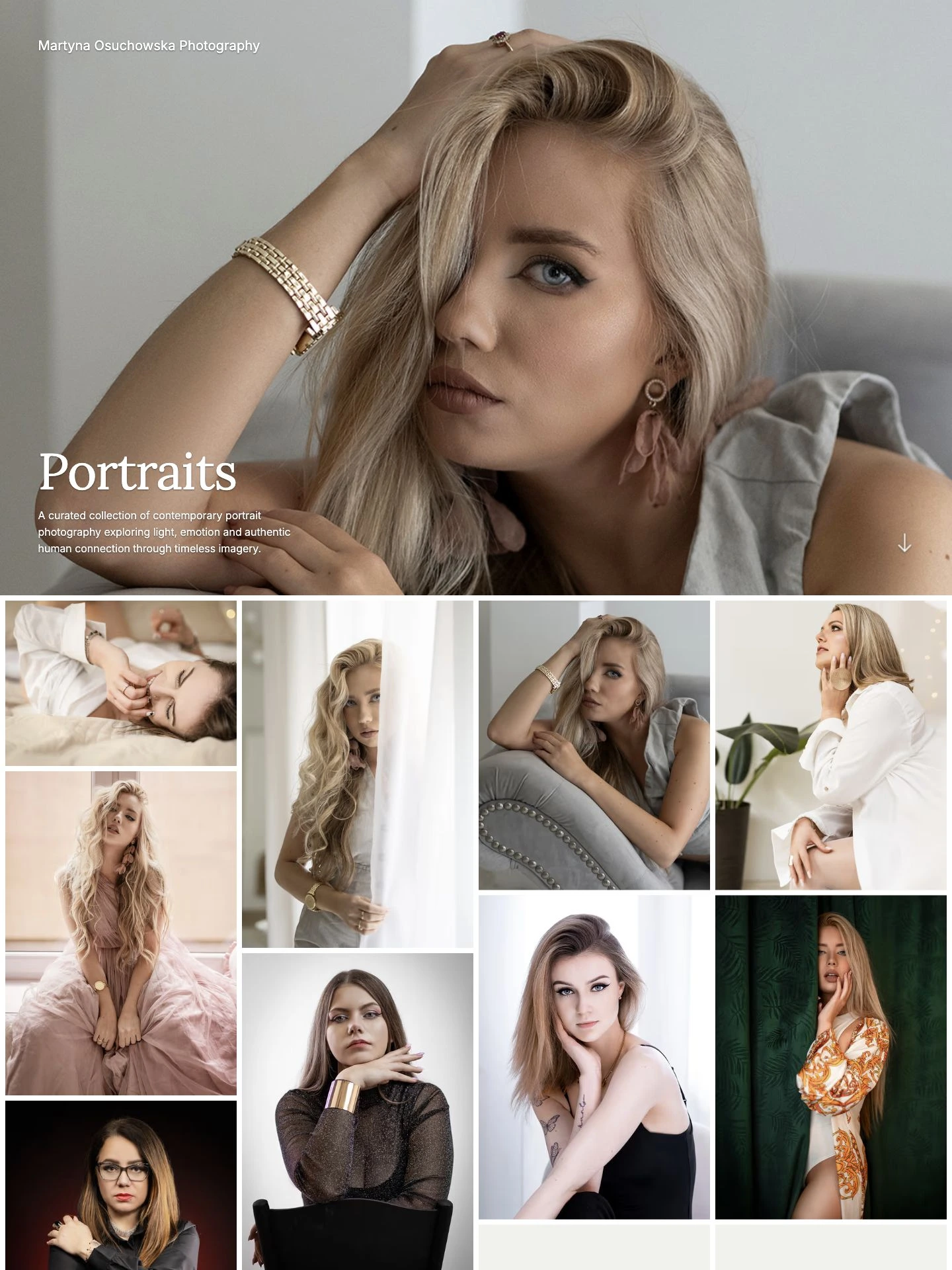
Portraits
An opening portrait sets the tone for the gallery. Color and black-and-white photographs vary the distance, setting, and pace of the selection.
View galleryExplore real photography portfolios and galleries made with ISO100. See how photographers use covers, image grids, and simple navigation to present their work.
Portraits
An opening portrait sets the tone for the gallery. Color and black-and-white photographs vary the distance, setting, and pace of the selection.
View gallery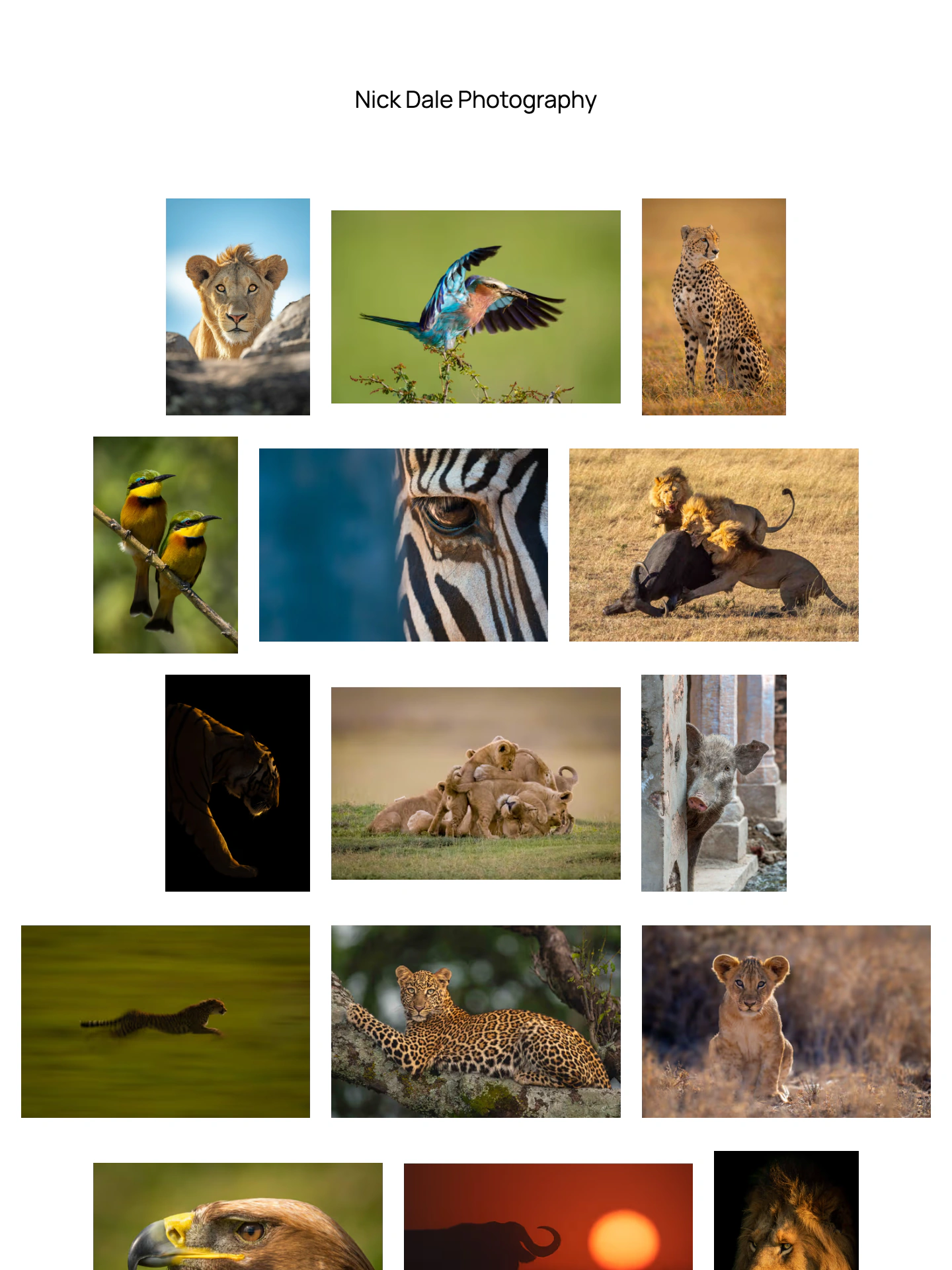
Wildlife
Wildlife photographs lead the homepage. Space around each image keeps its original proportions visible and gives the selection room to breathe.
View portfolio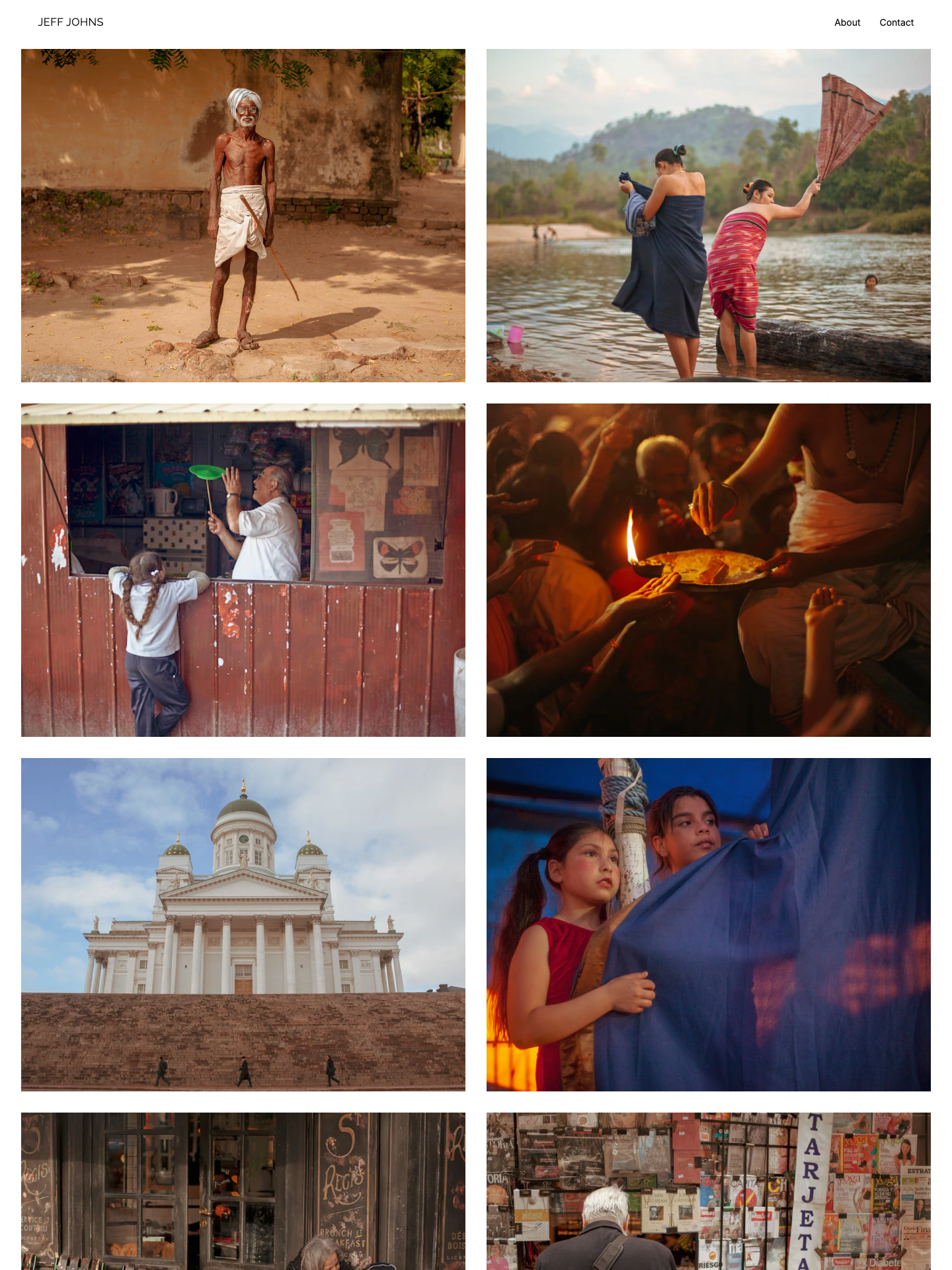
Portfolio
Documentary and travel photographs fill a two-column grid. A compact header keeps the photographer’s name, about page, and contact link close to the work.
View portfolio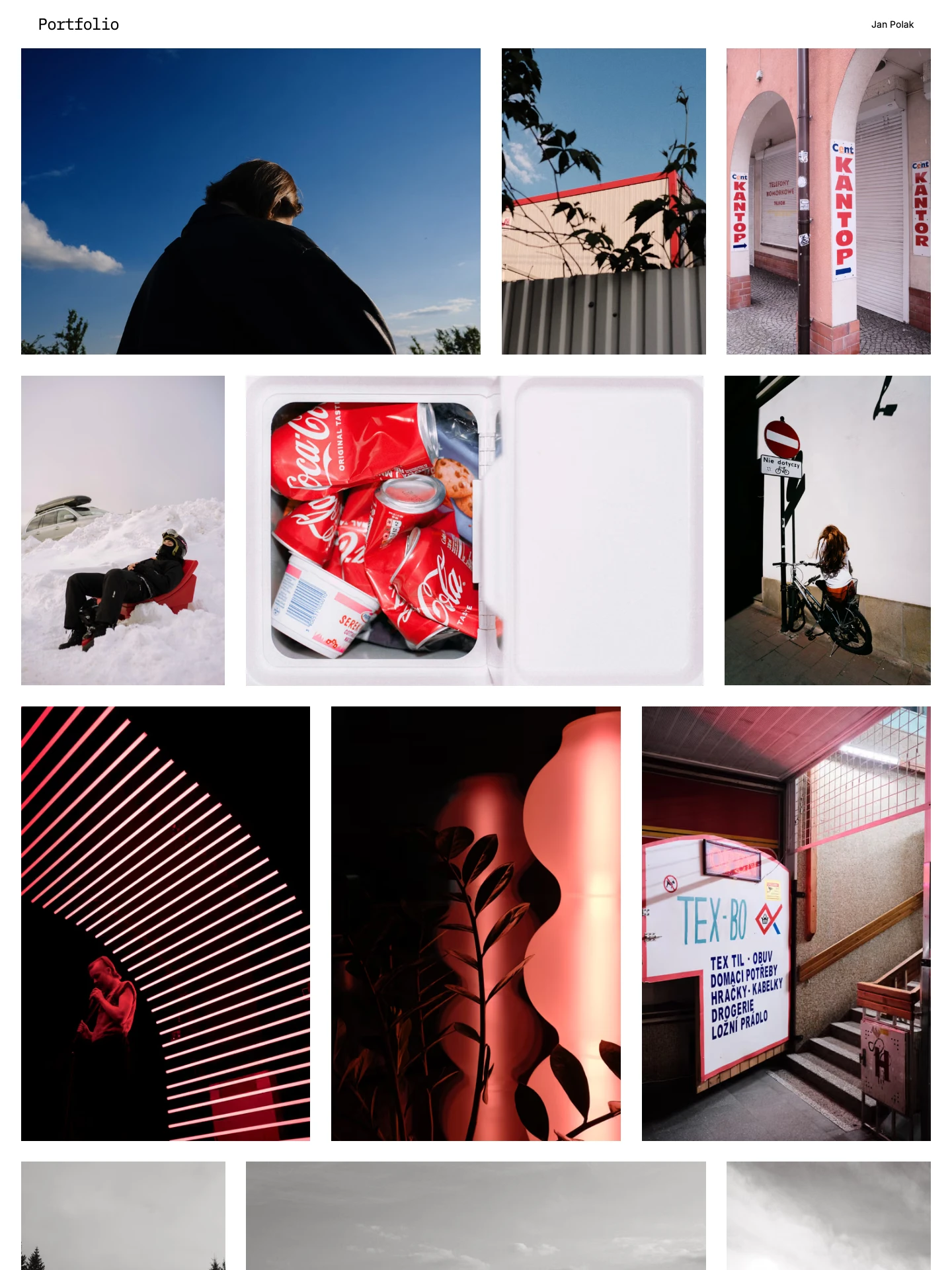
Portfolio
Street photographs share a simple grid, with color, gesture, and everyday encounters carrying the selection.
View gallery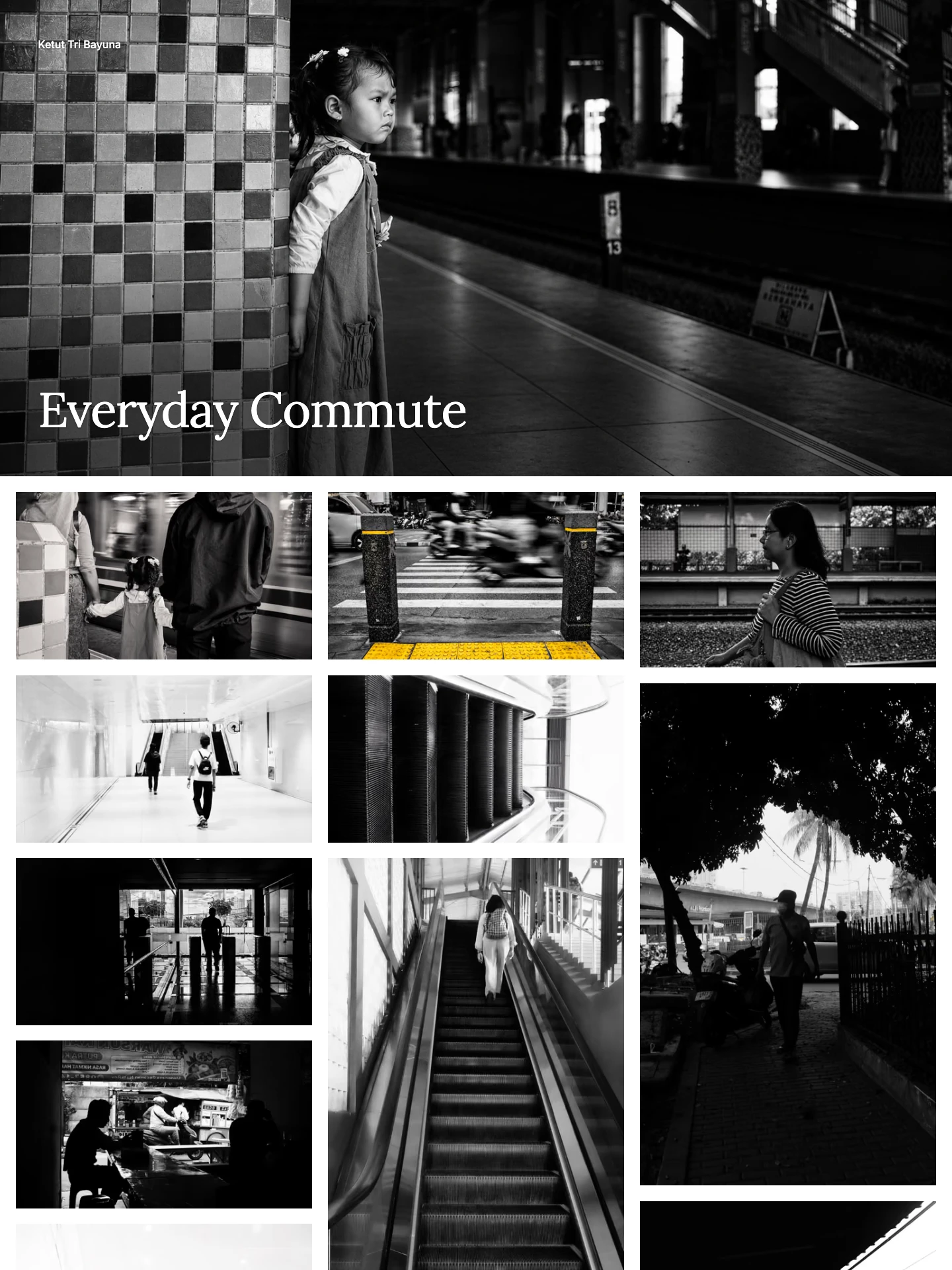
Everyday Commute
An everyday commute becomes a photographic series. A shared setting gives the gallery a clear focus while individual moments carry the story.
View gallery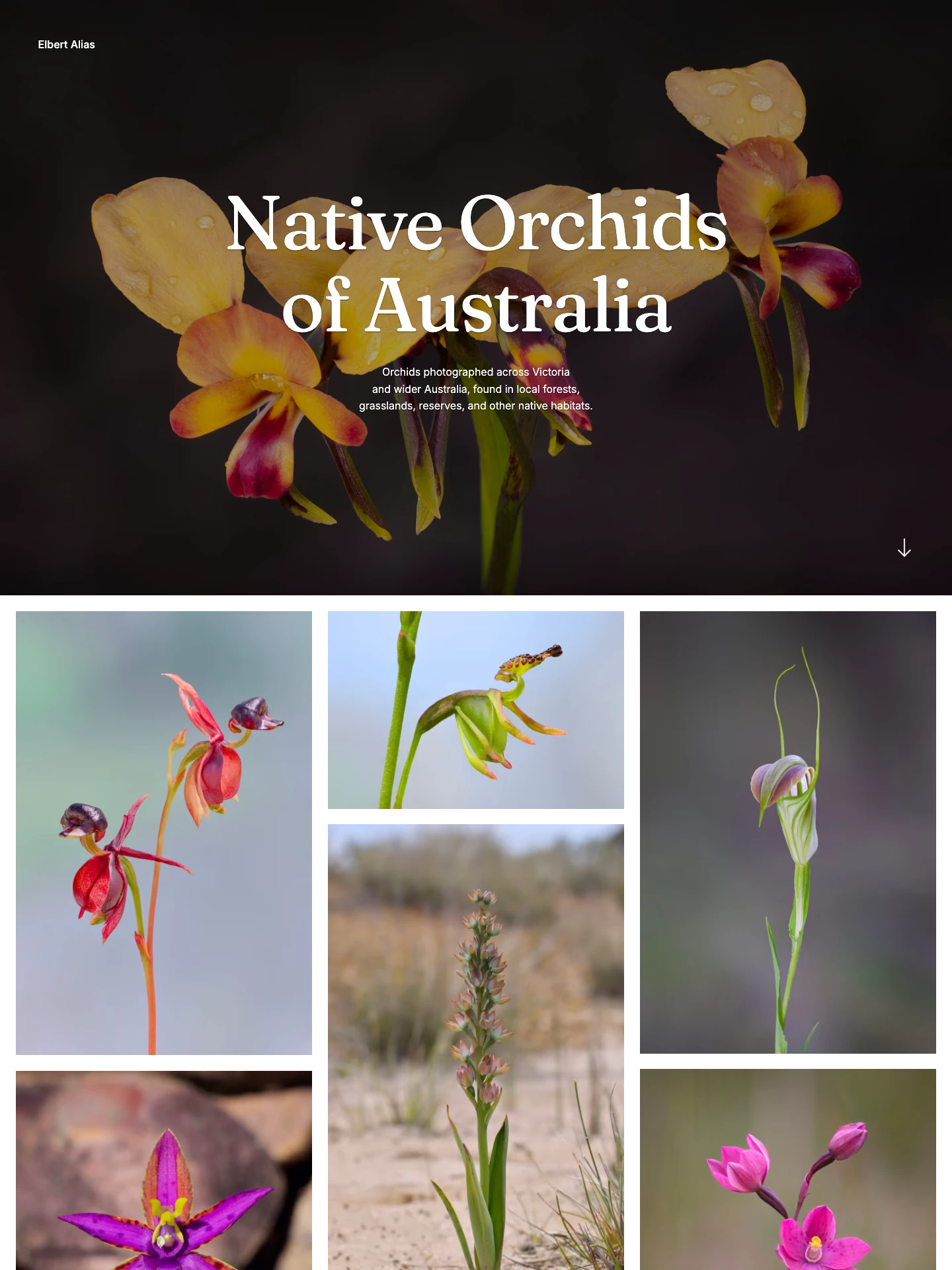
Native Orchids of Australia
One subject holds the gallery together. Native Australian orchids are shown in close detail, making differences in shape, color, and setting easy to explore.
View galleryA strong photography portfolio makes the selection easy to explore. Notice what each example shows first, how the images sit together, and where the navigation takes you.
A large cover can introduce one series. A grid can bring several photographs into view at once. Begin with the work you want someone to remember.
Compare portfolio layoutsGroup photographs around a subject, place, or project. Clear gallery names help visitors find the work that interests them.
Organize your photographsVary distance, detail, and pace as someone moves through a gallery. Keep the photographs that add something to the selection.
Build a photo sequenceFind an approach to selection, sequencing, and presentation for your work.
Upload a selection or import your existing portfolio. Choose a layout, adjust the presentation, and publish when you’re ready.
Create your portfolio