Editorial
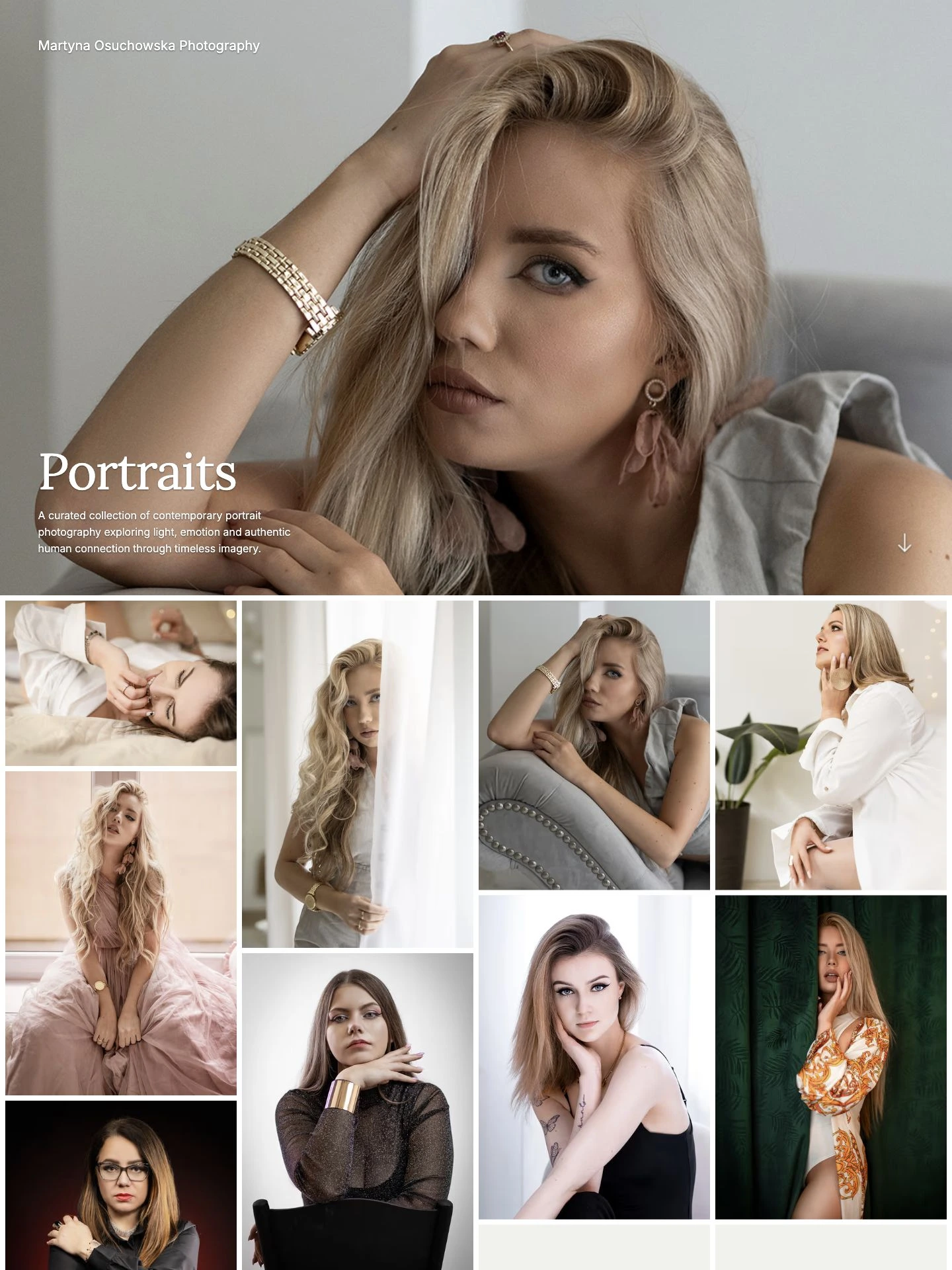
A tall opening photograph and expressive type introduce your work.
Choose a photography website template and make it yours in ISO100. Show a gallery’s photos directly on your homepage or introduce your work with gallery thumbnails. Customize the typography, colors, and spacing, then preview your portfolio before publishing.
A tall opening photograph and expressive type introduce your work.
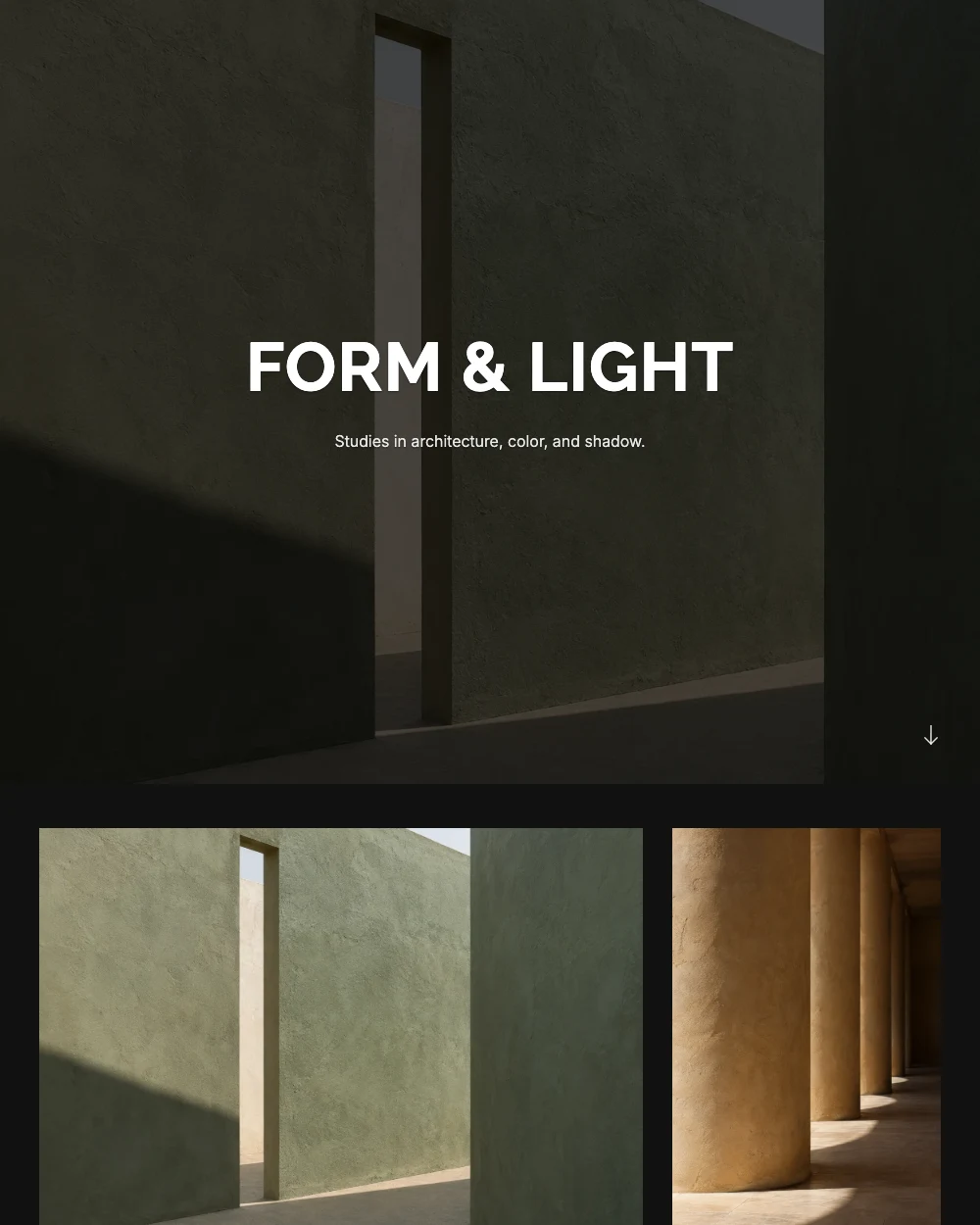
Full-screen photography and bold type make a strong first impression.
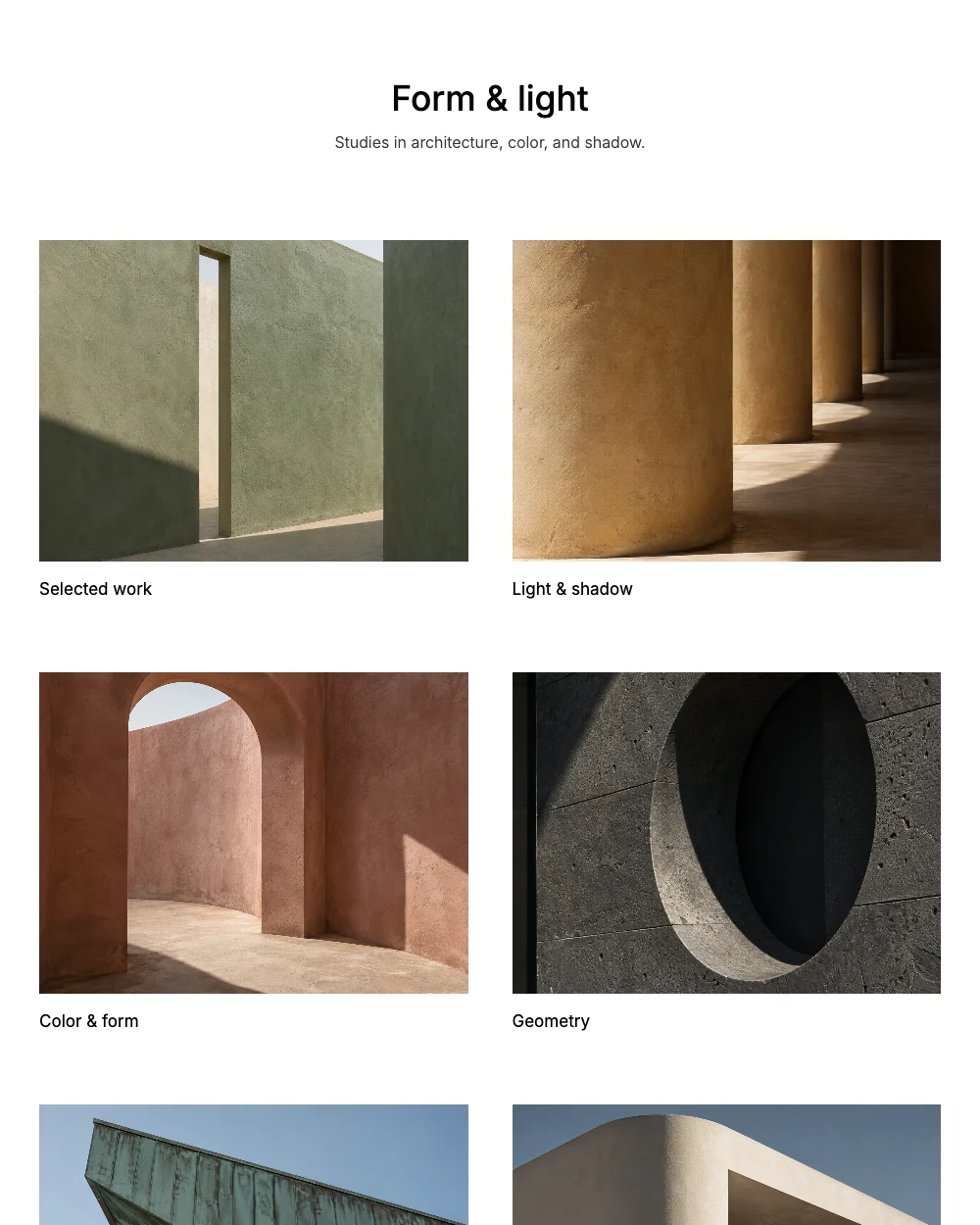
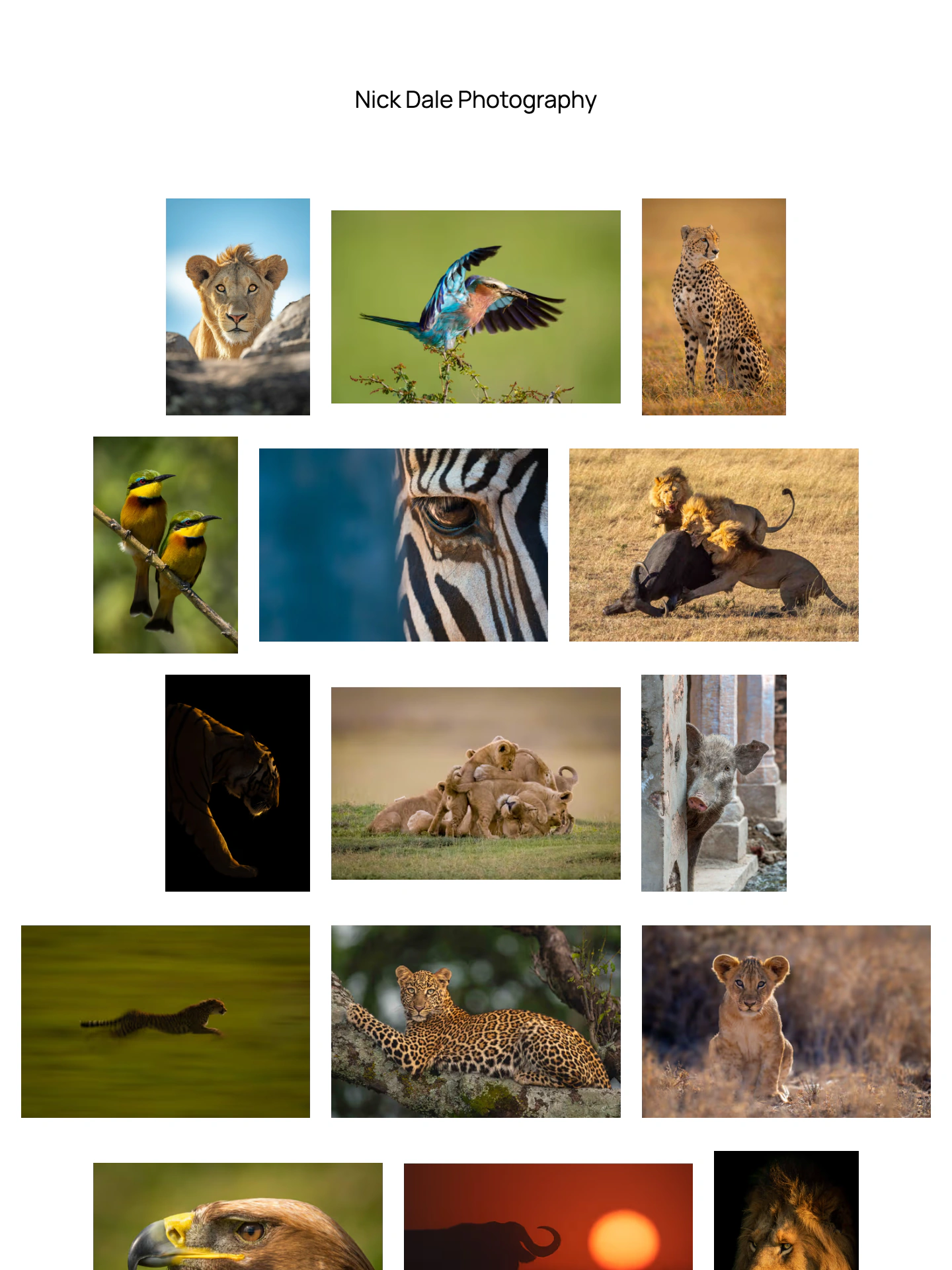
A quiet introduction and spacious rows keep the focus on your galleries.
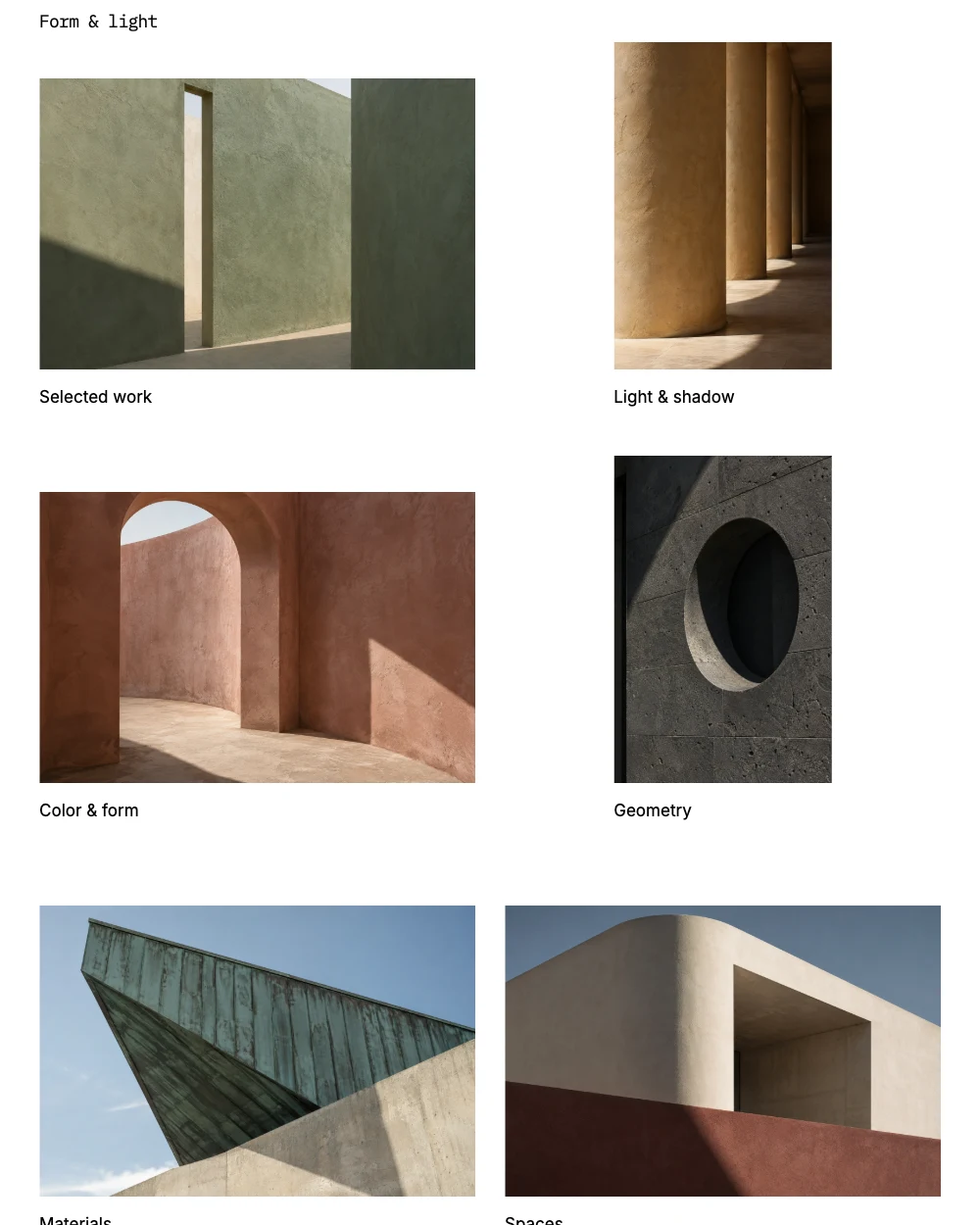
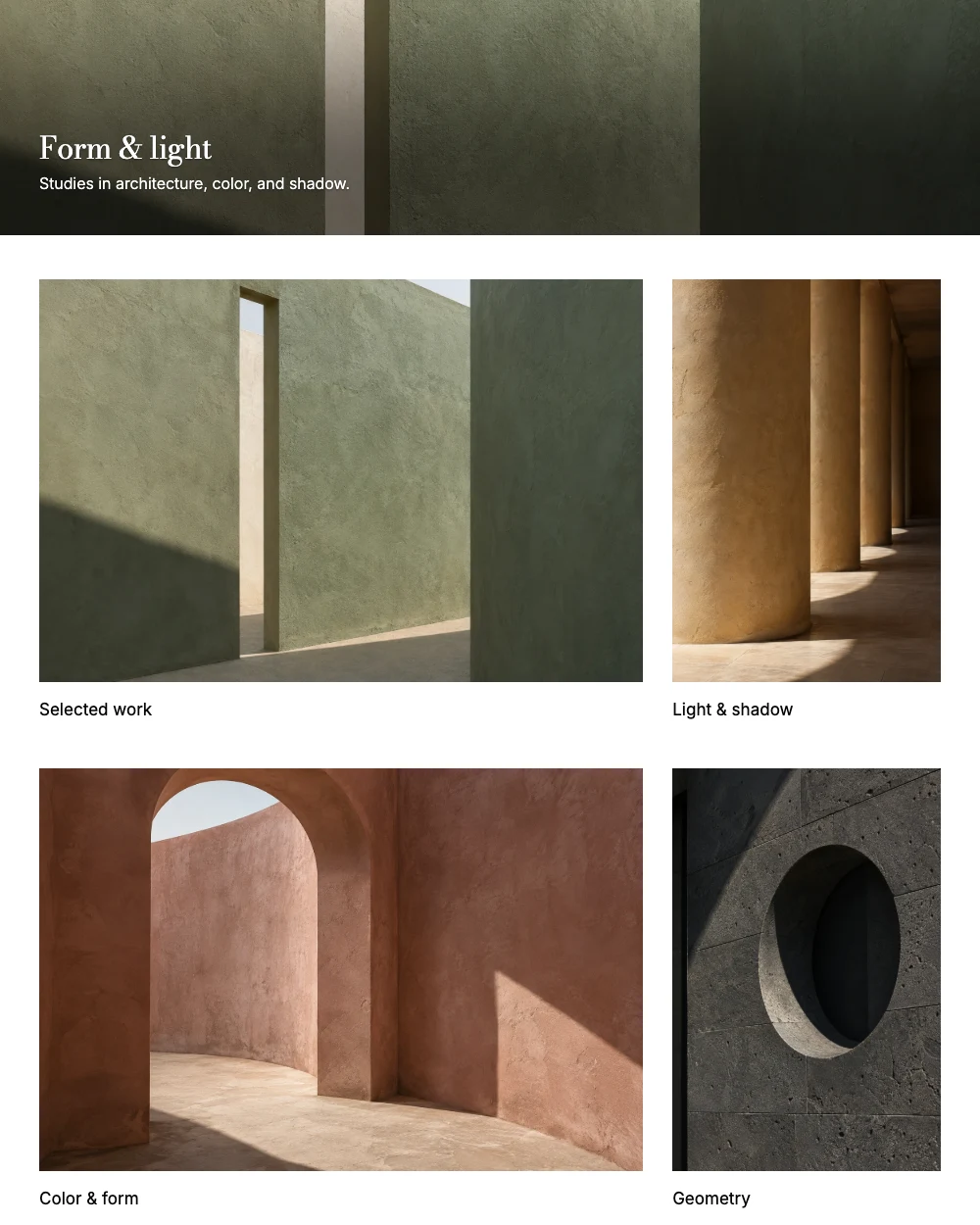
A shallow panoramic cover brings your galleries into view sooner.
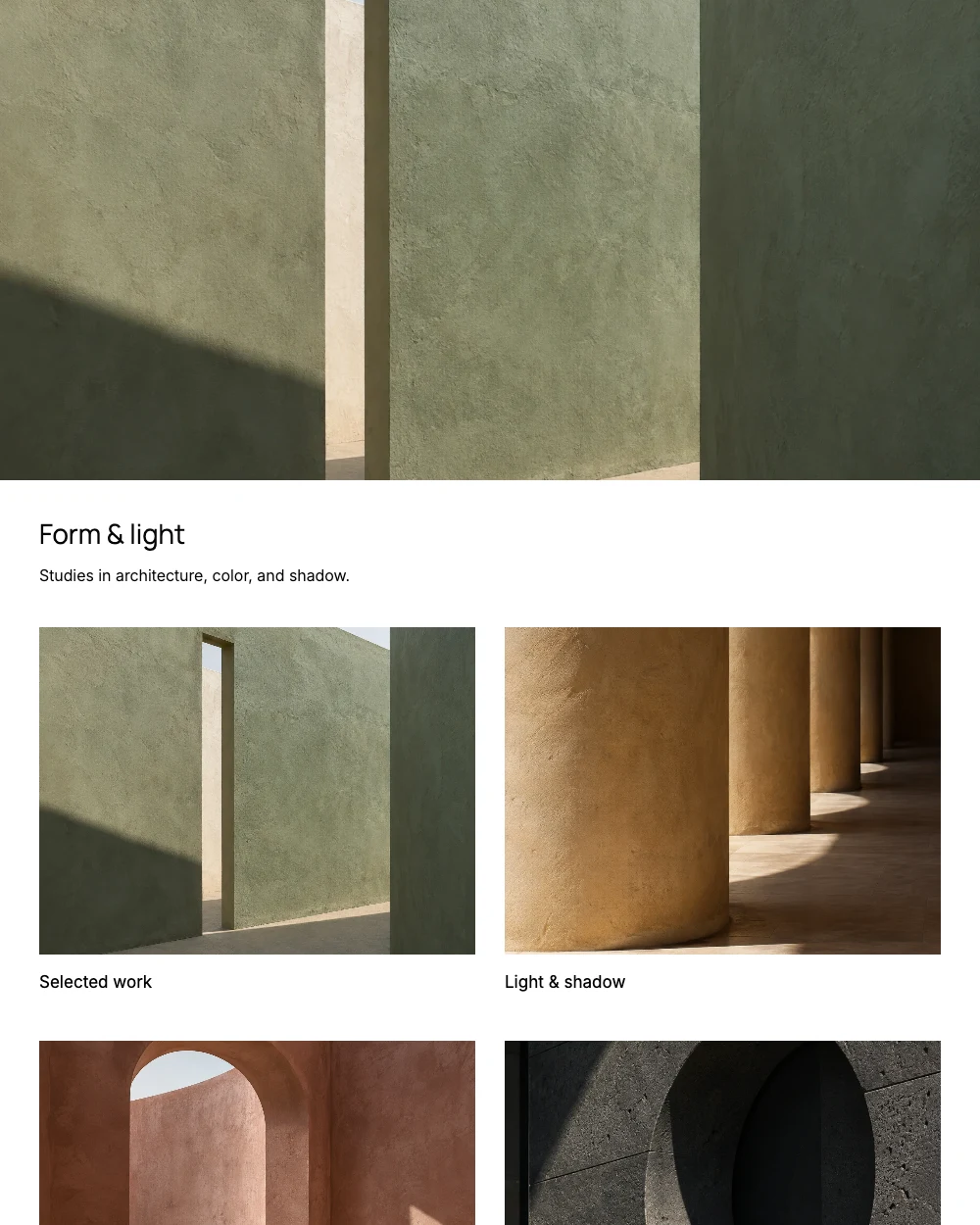
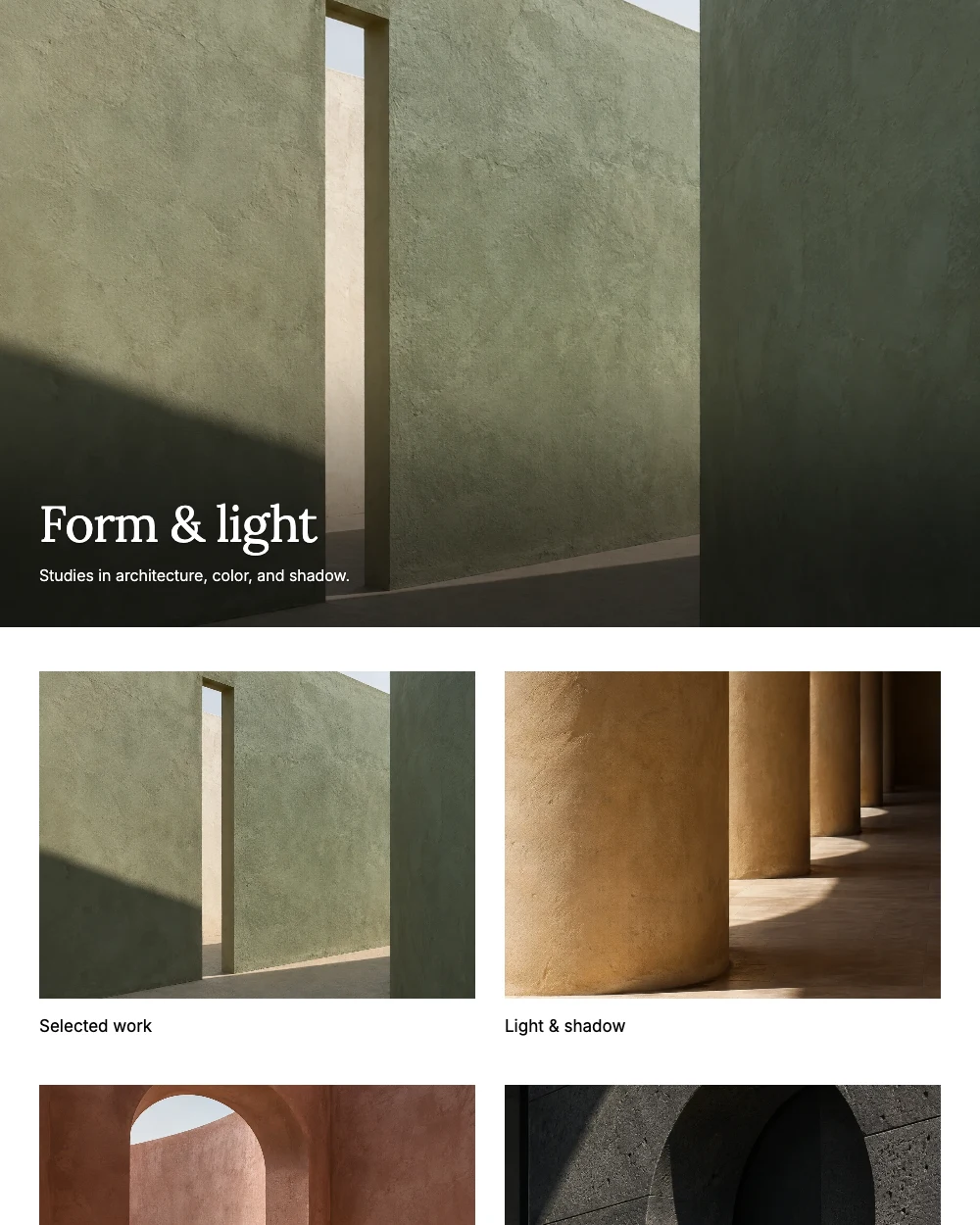
Give the opening photograph its own space, followed by your introduction.
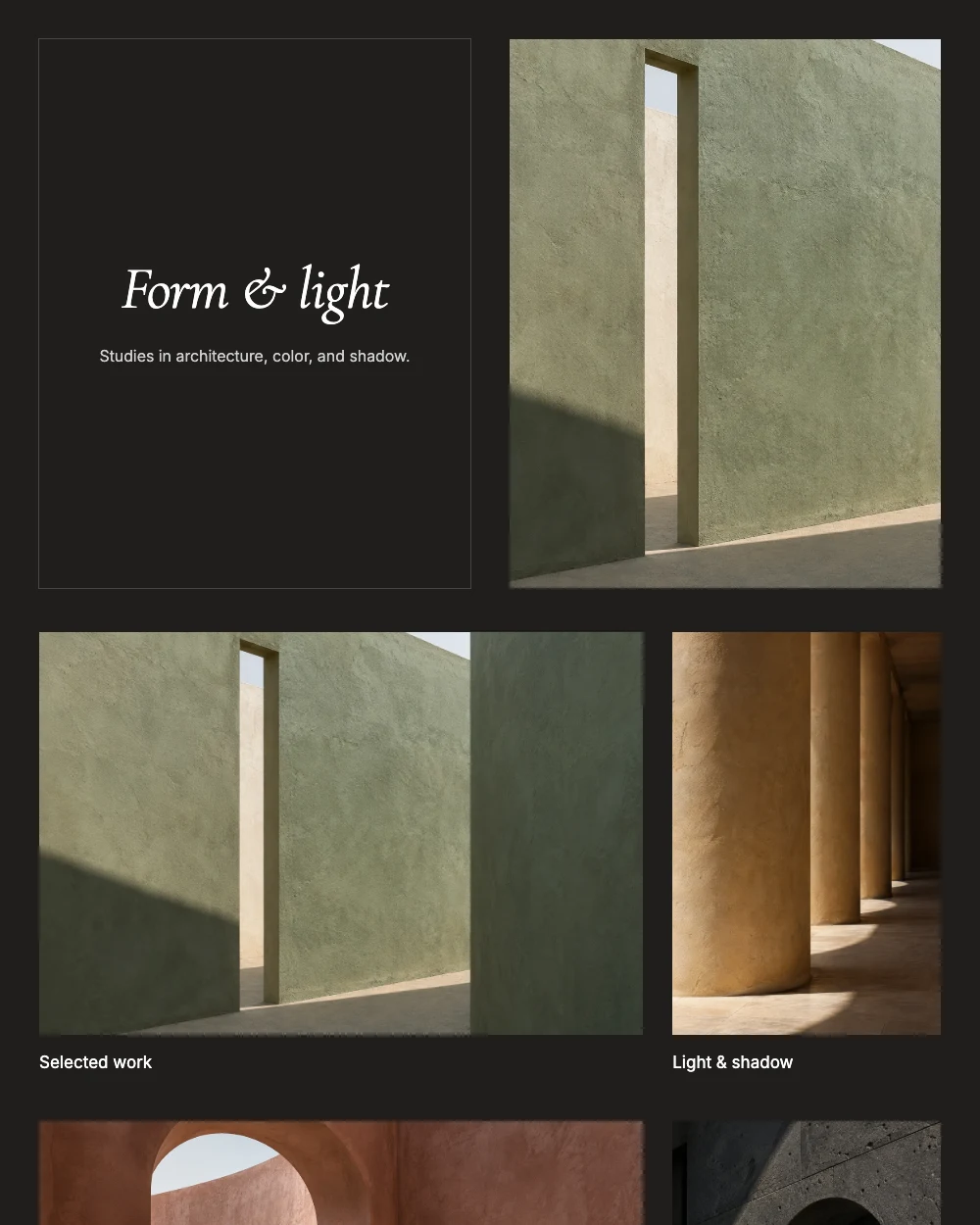
Present your introduction alongside a photograph for a balanced opening.
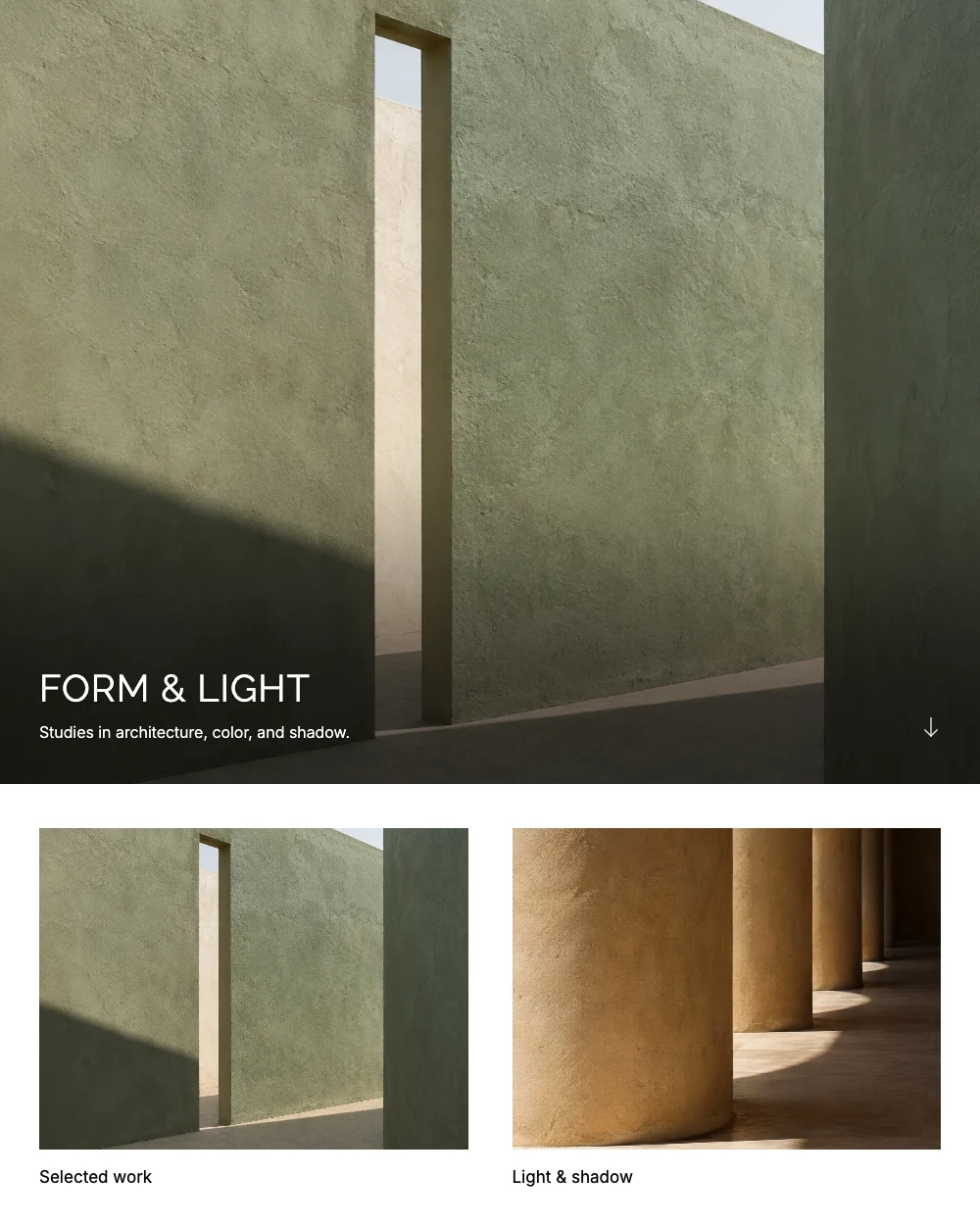
A full-screen photograph leads, with quiet type and generous gallery spacing.
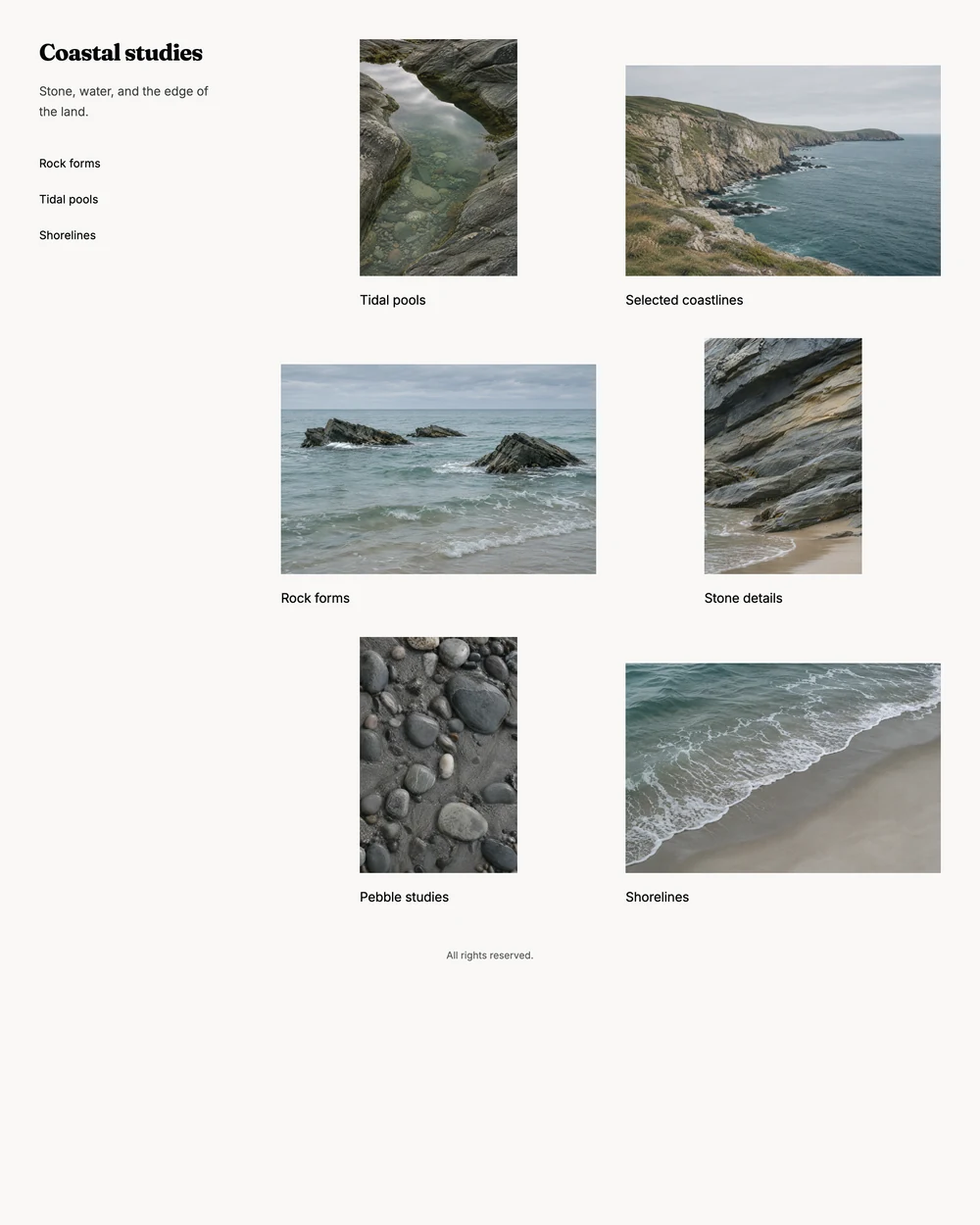
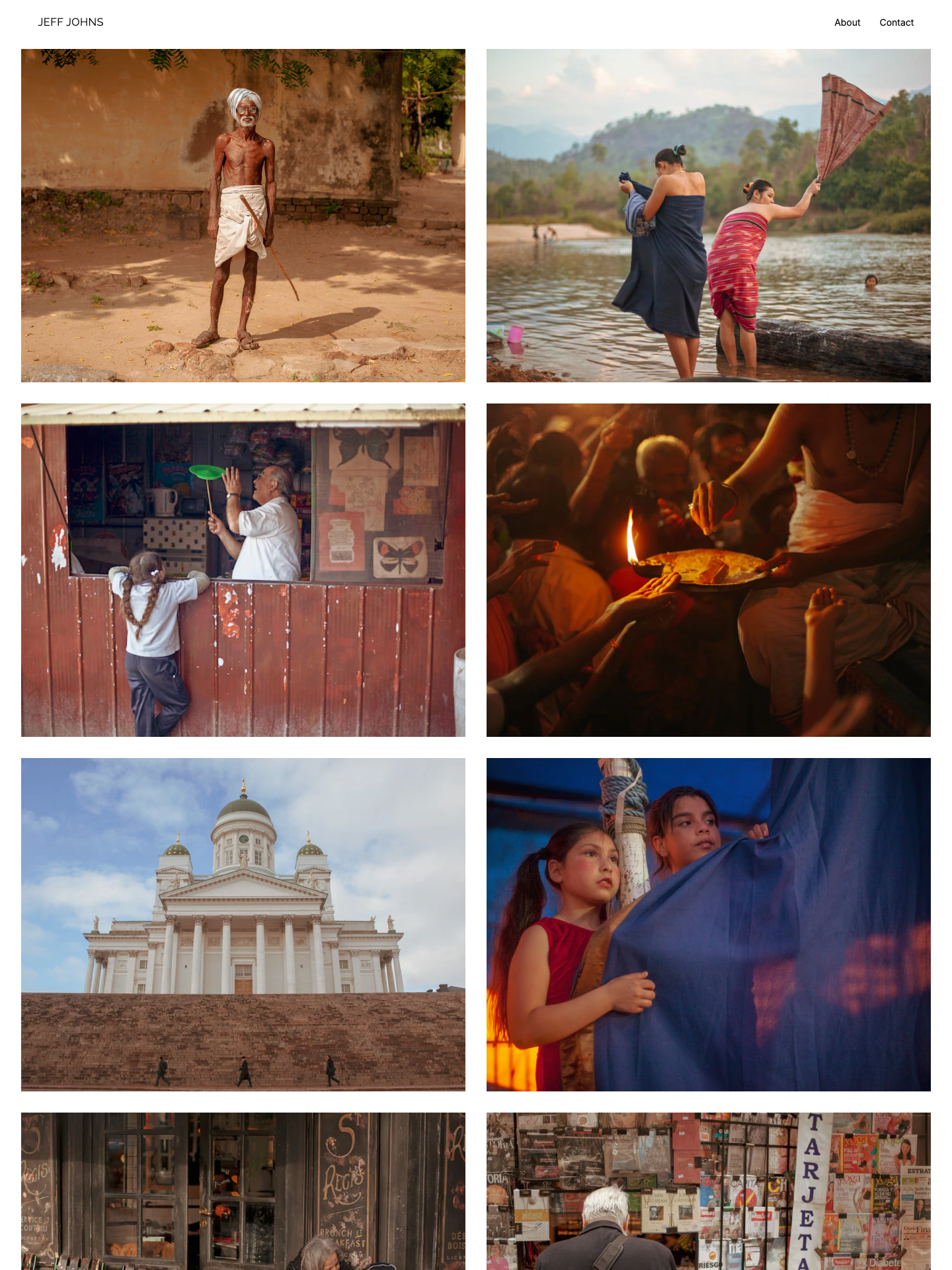
A quiet sidebar introduces your work beside two columns of galleries.
Explore real galleries by photographers using ISO100.
These templates are starting points for your ISO100 portfolio. Change the type, background, and space around your photographs without arranging individual page elements. Give each gallery its own image layout.
Upload a selection or import your existing portfolio. Choose a layout and publish when you’re ready.
Create your portfolio