
How to make a photo essay and publish it online
Build your photo essay as a single gallery in ISO100. Each section can have its own layout, so a grid of related photographs can lead into a full-screen sequence. Add a heading or a few words wherever the story changes direction.
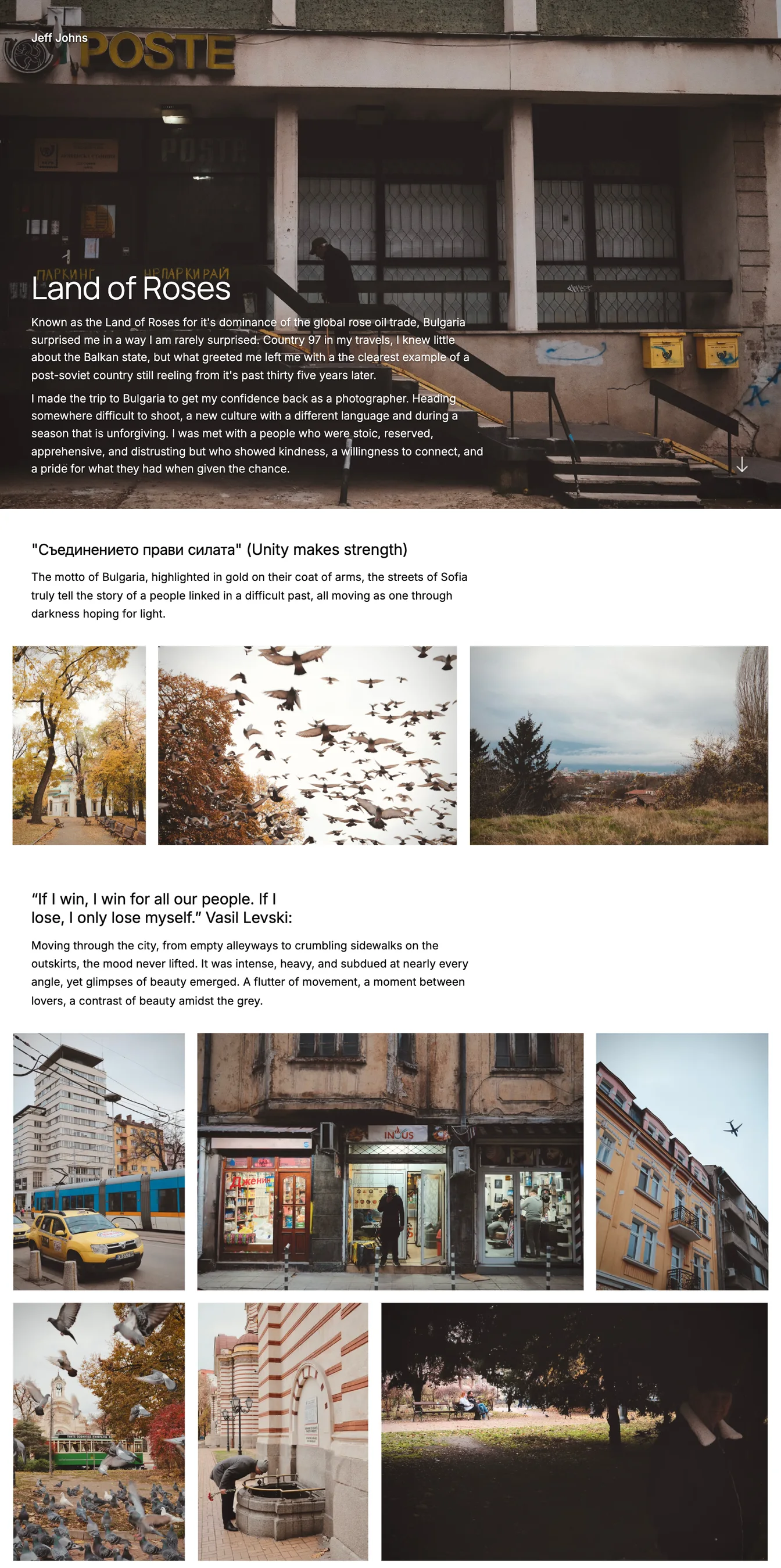
Give each section its own layout
Build chapters within one gallery. A grid lets viewers take in related photographs together. Switch the next section to Full-screen to show a sequence one photograph at a time. Each section can follow the gallery’s default layout or use its own.
Give a photograph more space
Feature one photograph within a section to make it larger among the surrounding images. The layout adapts around it, so you can emphasize a frame while keeping it connected to the rest of the sequence.
Add text between photographs
Introduce a section with a heading and a few words, or create a text-only section for a longer passage. You can also leave the text out and let one group of photographs lead straight into the next.
Check the Mobile preview to see how photographs flow onto separate rows. Adjust the order or layout before publishing.
How to add gallery sections Preview and publish in StudioTry a layout for your photographs
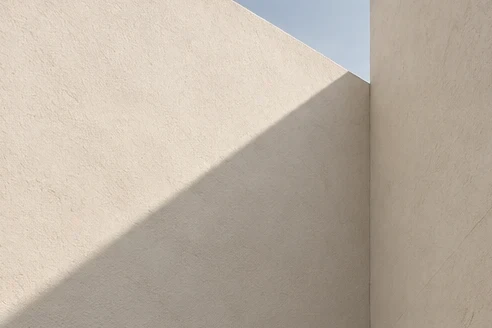
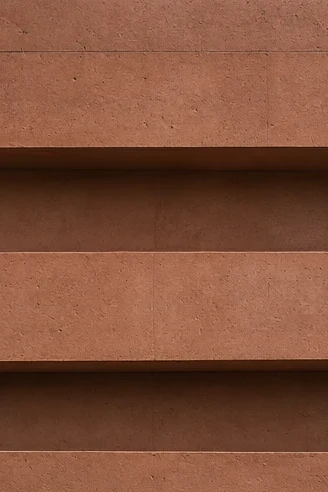
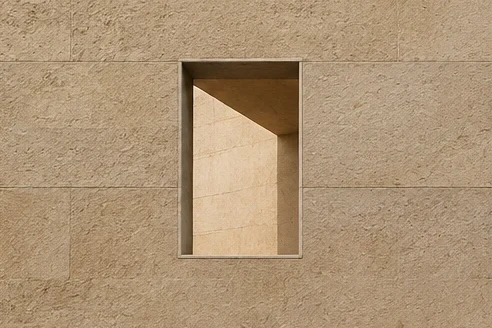
Try different layouts and spacing with the same photographs. See how each arrangement changes the balance between portrait and landscape images.
Create your photo essay.
Bring your photographs together in one gallery. Preview the sequence, then publish it on your portfolio.
Common questions
Yes. Add a heading or introduction to a gallery section, or use a text-only section for a longer passage between photographs.
Yes. Each section can use the gallery’s default layout or its own. You can combine grids and Full-screen sections within the same gallery.
Choose the next topic.
Sequencing a portfolio
Shape an opening, vary the pace, and finish with purpose.
Writing a photo story
Pair a photographic sequence with useful context and publish it alongside your galleries.