
A SmugMug alternative for photographers
Give each photographic series its own gallery.
Bring your photographs across from SmugMug. Choose a layout for each series, arrange the sequence, and adjust typography and spacing without designing each page.
Publish your portfolio for free.
See how automatic import works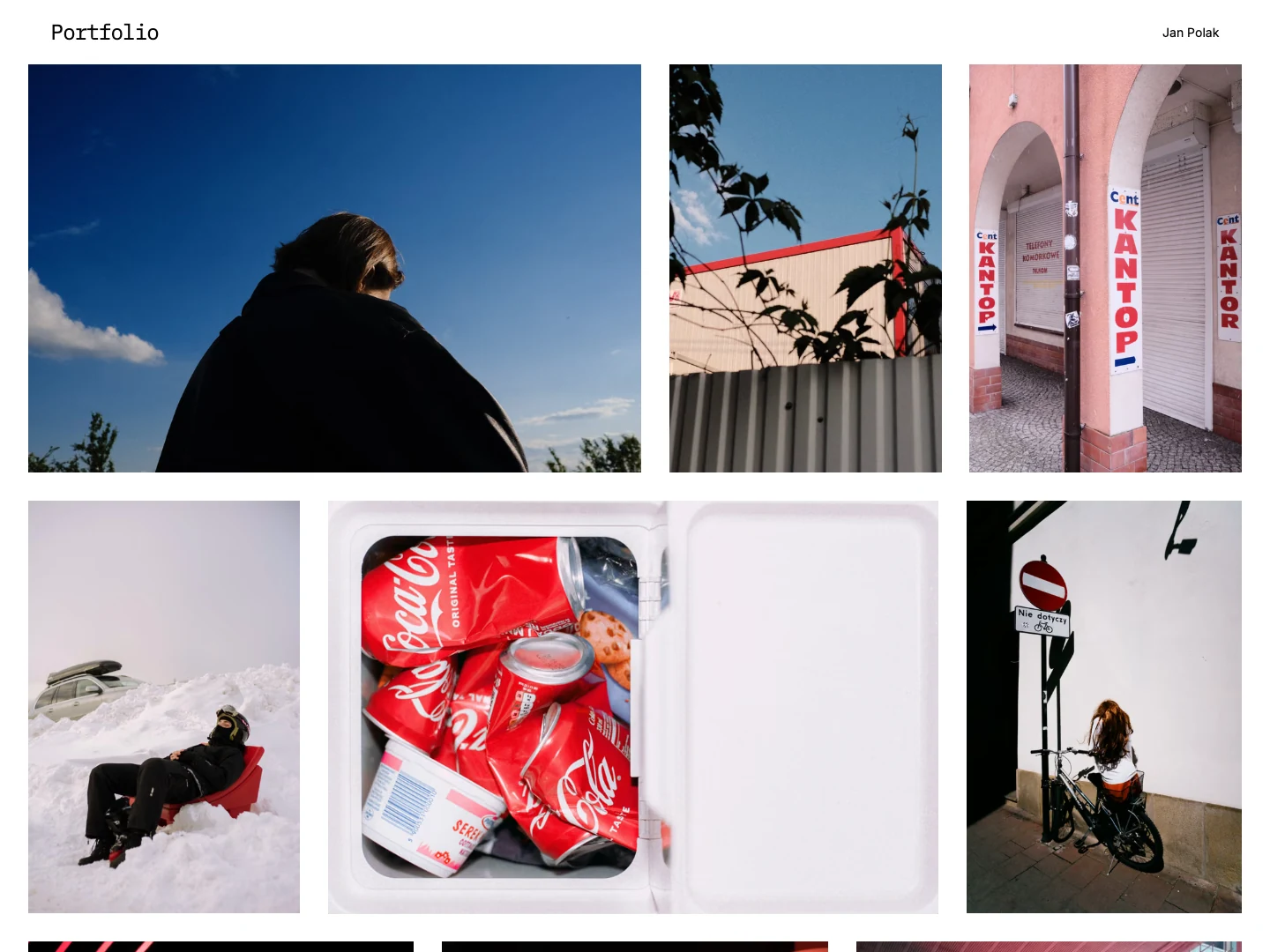
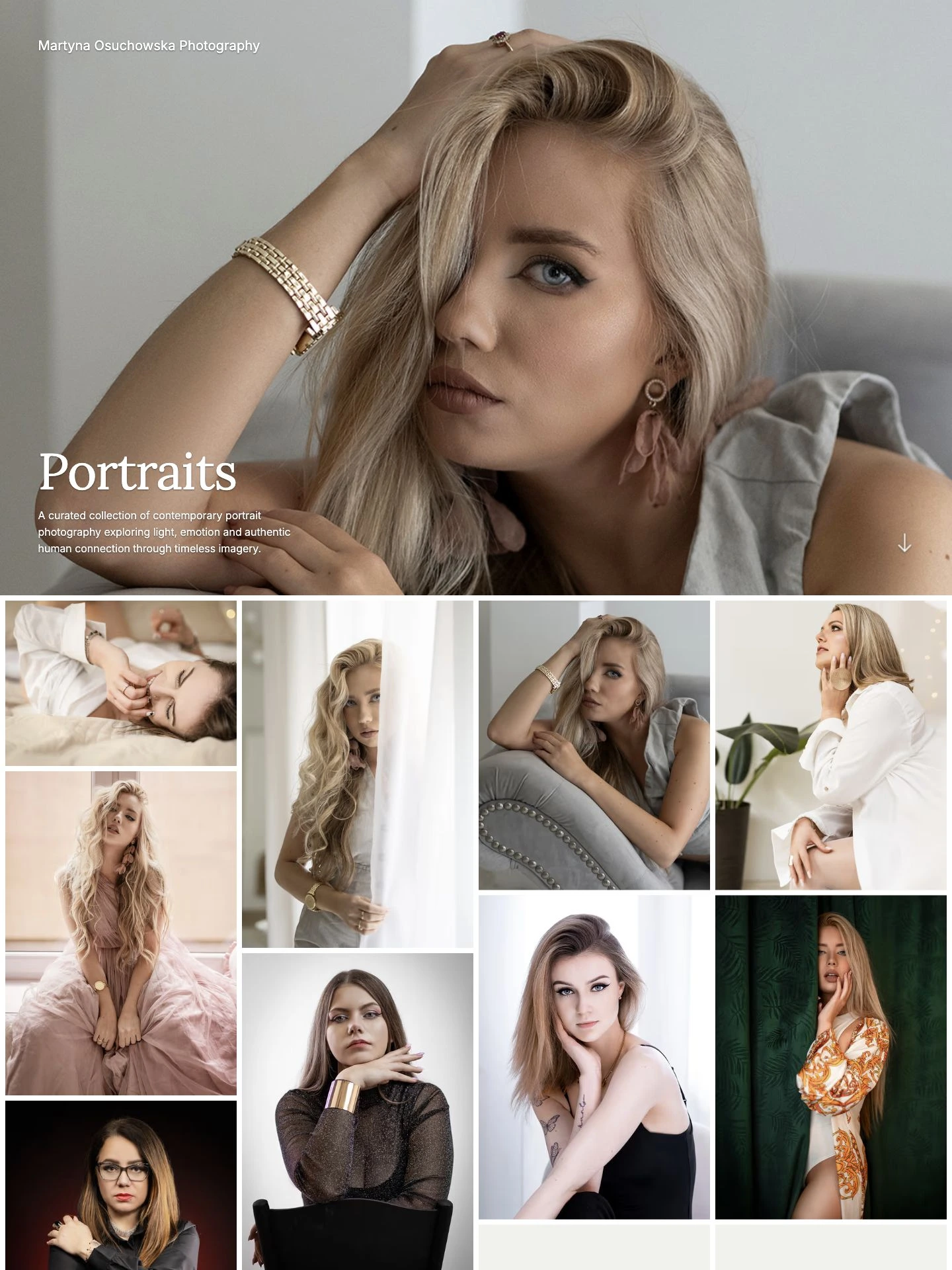
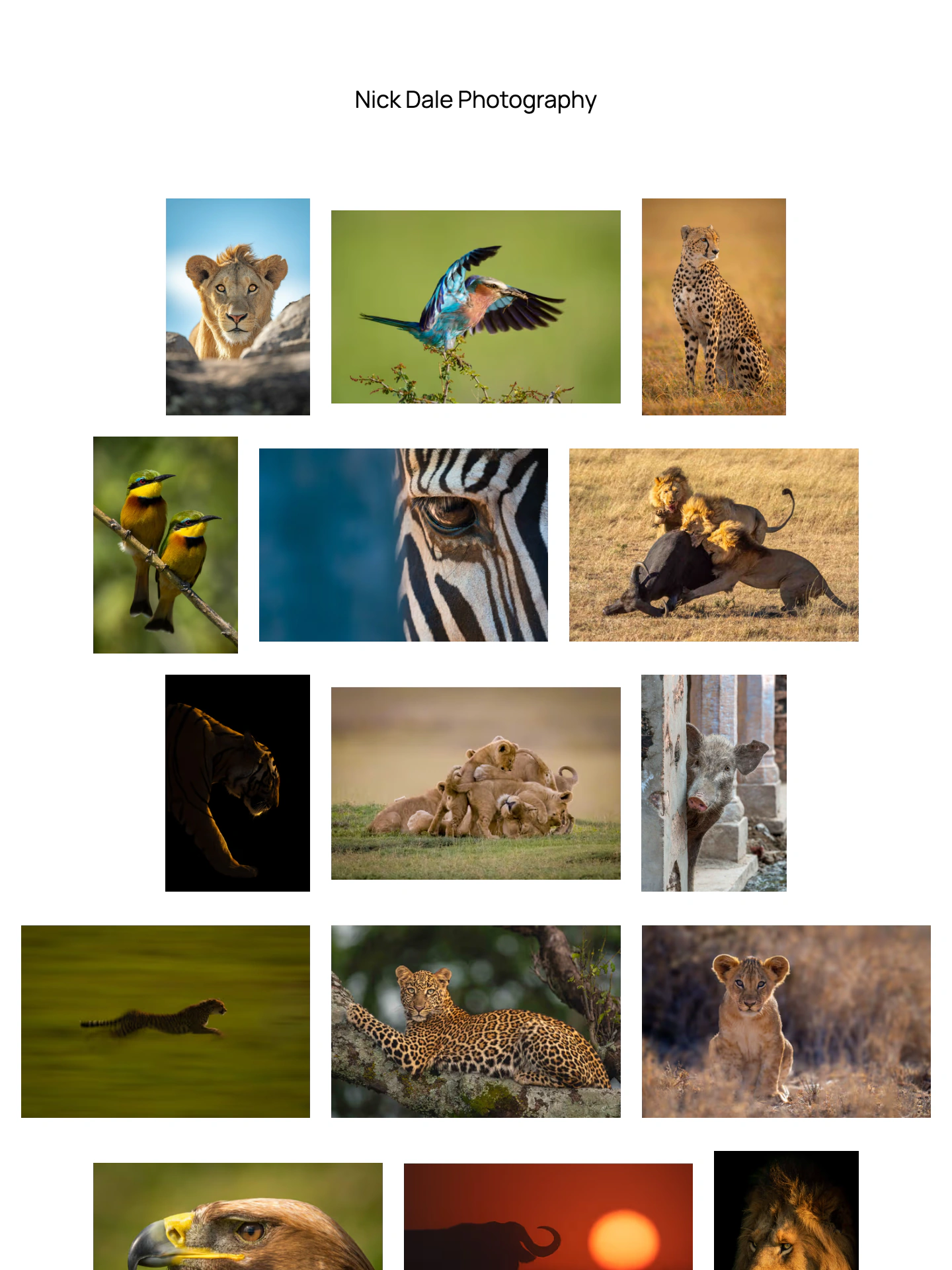
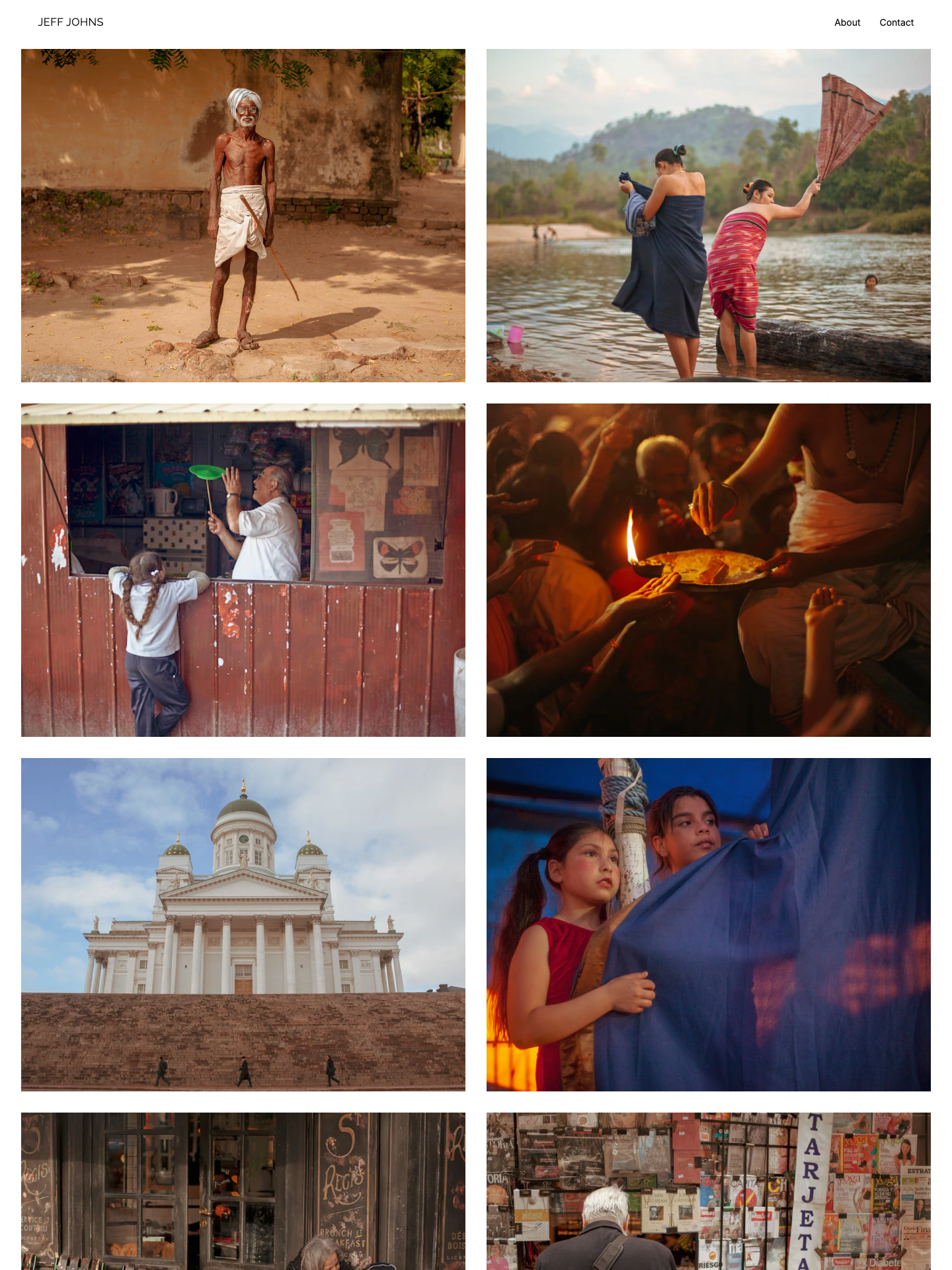
See what photographers publish.
Explore real galleries by photographers using ISO100.
Why choose ISO100 over SmugMug?
Shape each gallery around a trip, a project, or a selected series. Choose the cover, photo layout, and spacing while ISO100 brings the page together.
Gallery design
- ISO100
- Gallery-focused controls. Refine each series’ cover, photo layout, sequence, spacing, and crops.
- SmugMug
- Compose website pages with content blocks alongside galleries and sales tools.
Free publishing
- ISO100
- Free publishing. Publish up to 250 photos in five galleries, with 5 GB of storage. Unpublished photos count too.
- SmugMug
- Continue on a paid plan after the trial, with unlimited photo storage for a larger archive.
Archives and print sales
- ISO100
- Present a selected library in portfolio galleries. Offer individual photo or gallery downloads with no ISO100 commission.
- SmugMug
- Unlimited full-resolution JPEG storage. Portfolio and Pro plans add print and digital sales with order fulfillment; RAW storage is an add-on.
Give each series its own cover and sequence. Share your complete portfolio or send viewers straight to one gallery.
Compare Free and PlusImport from SmugMug automatically.
Enter your SmugMug website address to import your photographs and galleries. Choose what to publish in your new portfolio.
Import from SmugMugYou can also import ZIP files or a folder of photos.
Full import guideFinish your photos before publishing.
Crop and straighten, fine-tune light and color, refine detail, and shape your look with curves and presets. Use masks to adjust selected areas and cloning to remove distractions. Your uploaded original stays intact.
Make the portfolio feel like yours.
Start with a curated layout built for photography. Make it yours with cover styles, typography, colors, and gallery settings designed to work together.
Explore portfolio layoutsTry a few gallery settings below.


Questions about switching.
Enter your SmugMug website address in Studio and confirm the import. ISO100 brings your photographs across and recreates your galleries. You can also import ZIP files or a folder of photos.
Yes. Build and preview your portfolio while keeping SmugMug active. Choose when to publish and switch your domain. Your existing account stays in place, so you can continue using its community, archive, or business services.
Yes. Publish up to 250 photos across five galleries, with 5 GB of storage. The allowance includes unpublished photographs, uploaded originals, and their viewing copies. See the plan comparison for full details.
Yes. Connect your existing domain with ISO100 Plus while keeping your registrar and nameservers. HTTPS and the redirect from your address without www are included. You can build and preview your galleries before connecting it.
Yes. Create custom pages for your services, session pricing, or frequently asked questions. Add photographs to illustrate your work and an optional contact form for inquiries.
Yes. Replace the file on an existing photograph to keep its link, title, rights notice, focal point, and gallery placements. Check the new image and crops, then publish the update when ready.
Start with finished photo files or the highest-quality downloads from your account. Use Studio’s photo editor to refine the crop, light, and color, then choose the layout and sequence for each gallery.
Yes. Keep editing in Lightroom and import photographs from your Lightroom cloud library into ISO100. You can also upload your finished Lightroom Classic exports.
Yes. Crop photos, adjust light and color, apply presets, and make local adjustments in Studio. The photo editor is included on Free and Plus, and your uploaded originals are preserved. Save your edits, review the result, then publish when ready.
ISO100 takes no commission on individual photo-download sales. SmugMug pays 85% of the markup above its download base cost; its retained share includes payment processing and program support. Compare total selling costs for your own prices and volume.
Yes. Sell individual photo downloads or complete galleries as ZIP files, with your chosen prices and licenses. ISO100 takes no commission on those sales.
Create your photography portfolio.
Import your photographs automatically or upload a new selection. A free plan is available.