
Is your photography portfolio ready to share?
You know these photographs so well that it is easy to miss what a new viewer sees. Use this final check to catch an awkward crop, a repeated image, or a link that goes nowhere. Then send the portfolio with confidence.
Quick answer
Review the selection, gallery order, cover crops, text, contact route, and public links. Open the published result on a phone and a larger screen while signed out. Use the checklist below before sending the link.
In this guide
Purpose and first impressions
Give the homepage to someone for 30 seconds, then hide it. The portfolio passes when their description of the work is reasonably close to your brief.
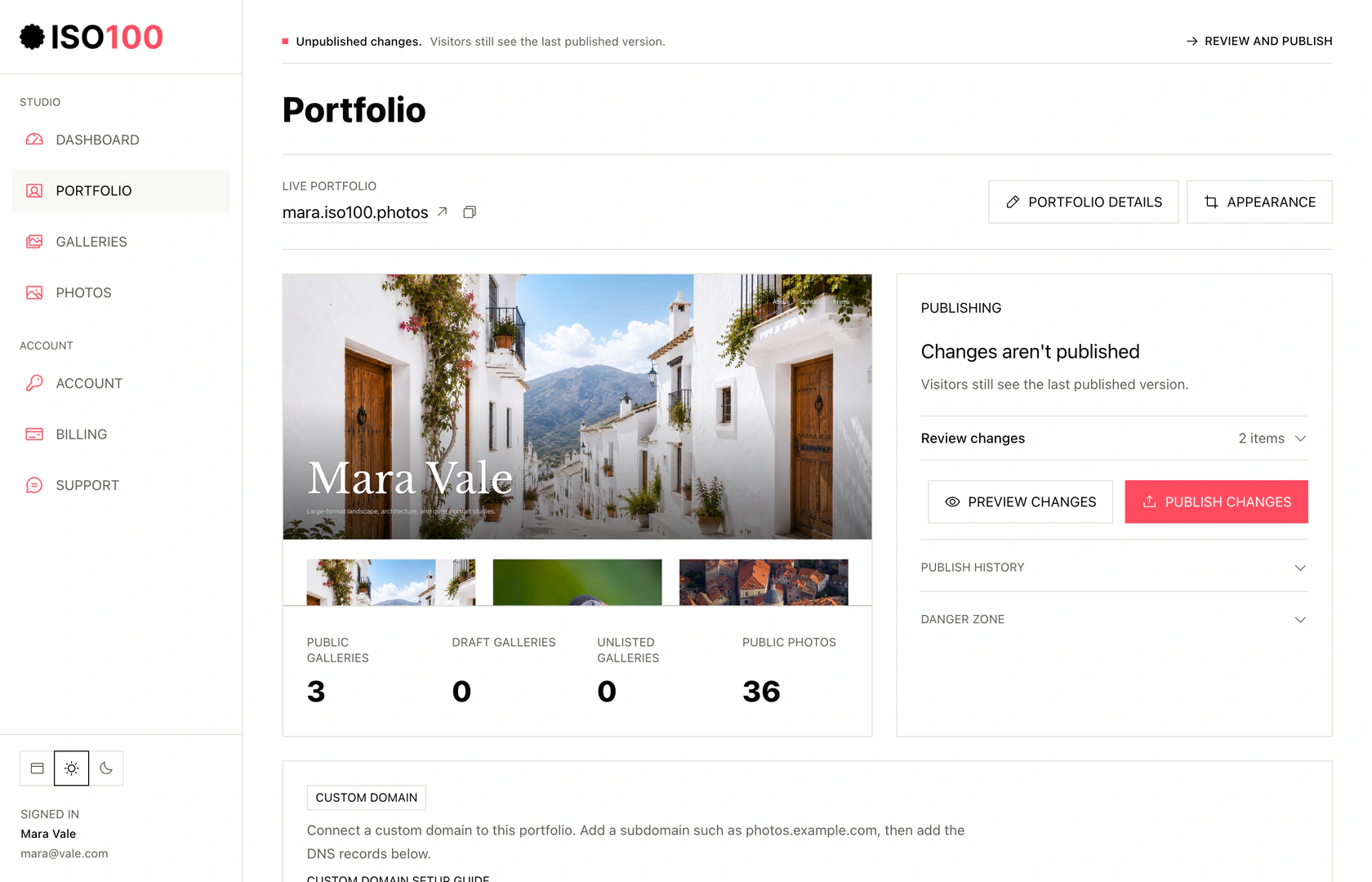
- Use Portfolio details for identity and contact information, and Appearance for the cover and layout.
- Preview changes before publishing. The last published version stays live while you edit.
- The photographer’s name is clear without competing with the photographs.
- The first screen shows or leads directly to work that represents the portfolio.
- A viewer can tell whether the galleries are projects, places, subjects, events, or capabilities.
- The opening does not depend on a long biography to explain the visual direction.
- The portfolio has one obvious next step: enter a gallery, inspect an image, or make contact.
Image selection
Review at thumbnail size, full-screen size, and in sequence. Each view exposes a different weakness.
- Every photograph supports the portfolio or gallery brief.
- No weaker near-duplicate survives because of personal attachment.
- Technical faults are intentional or inconsequential at public display size.
- The set contains enough change in scale, subject, orientation, pace, or emotion.
- A strong image has not been included if it pulls the portfolio in an unrelated direction.
- Sensitive or recognizable subjects are published with appropriate permission and judgment.
Galleries and sequence
Open one gallery directly, without using the homepage. It should make sense as a complete destination.
- The gallery title describes the work in language an outside viewer understands.
- The cover represents the selection rather than an outlier.
- The opener creates interest and the next three images sustain it.
- The middle does not repeat one visual idea after it has been established.
- Transitions feel deliberate even when the story is not chronological.
- The final image supplies resolution, afterthought, or a purposeful open question.
Text and contact details
Read every word aloud. Remove claims, labels, and metadata that do not help a viewer understand the photographer or photograph.
- The biography states what you photograph and any relevant location or context in the first two sentences.
- Project descriptions explain the premise without interpreting every image.
- Names, dates, places, and credits are accurate.
- Alt text describes informative images rather than repeating a filename or keyword list.
- The rights statement communicates terms without pretending to prevent copying.
- The contact route works and goes to an address or form you still monitor.
Phone and desktop
Use at least one real phone and one larger screen. A resized browser window helps, but it does not reveal every loading, touch, or browser issue.
- The cover keeps its intended subject at narrow and wide aspect ratios.
- Text remains readable against cover photography.
- Portrait and landscape photographs both receive useful space.
- Navigation and image controls are reachable by touch and keyboard.
- No caption, title, or button is clipped.
- The page remains understandable if an image loads slowly or cannot be seen.
Search and sharing
Make the shared link as inviting as the gallery itself. A clear title, a representative cover, and a useful description help someone decide to open it.
- The portfolio page title contains the photographer name and a useful description of the work.
- Every important gallery has a distinct title and description.
- Public gallery URLs are readable and stable enough to share directly.
- The social preview uses the intended image, title, and description.
- Work intended only for selected viewers uses the right visibility or password settings. Unlisted links can still be forwarded.
- The final URL opens in a signed-out browser without relying on your editor session.
Before you publish
The portfolio is ready when the remaining issues are choices rather than oversights.
- All draft changes intended for release appear in the preview.
- One outside reviewer has tested the site without instructions.
- Links, forms, gallery passwords, and custom-domain redirects work.
- You have retained local master files and a record of titles, captions, and sequence.
- You have set a review date instead of promising to update continuously.
Practice the checklist on a finished page
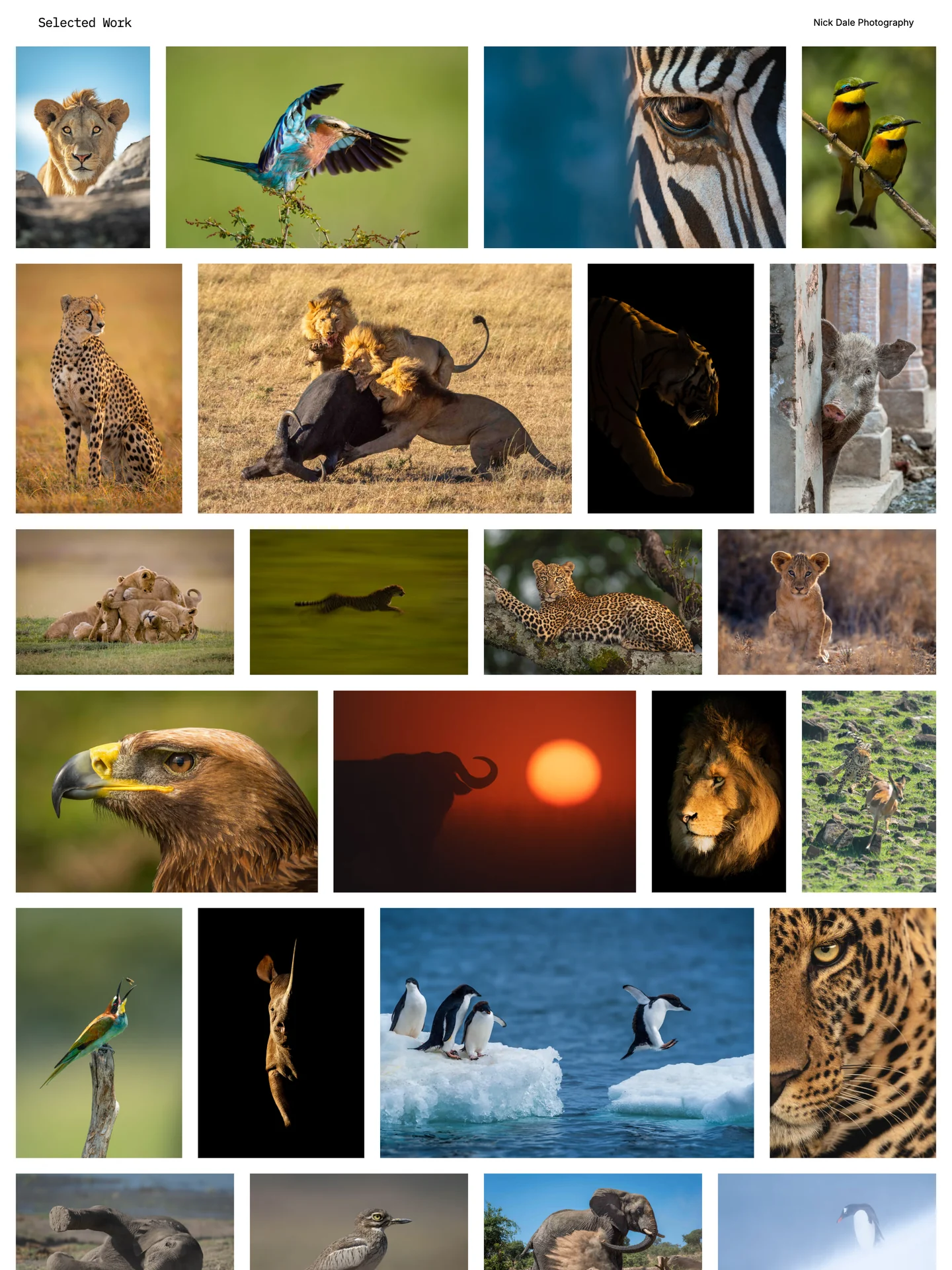
Open the sample at phone and desktop widths. Check the opening images, sequence, navigation, direct URL, and ending. A useful review should produce specific observations rather than a general verdict about style.
Your next step is a portfolio you can share.
Build your galleries in ISO100 and use the preview to finish these checks. Publish when you are ready to send the link.
Common questions
What is the most important photography portfolio checklist item?
Check that every photograph supports the portfolio’s purpose. A clear edit can survive restrained design; a confused edit is not fixed by more pages, animation, or metadata.
How should I review a photography portfolio before publishing?
Review thumbnails for repetition, full images for quality, sequences for rhythm, direct links for context, and real phone and desktop pages for presentation. Then ask someone unfamiliar with the shoots what they understood.
How often should I run the checklist?
Run the full checklist before a first launch or major restructuring. For routine updates, check the changed gallery, its cover, mobile display, link preview, contact path, and public publish state.
Choose the next topic.
Making your first portfolio
Work from a clear brief through image selection, galleries, and publication.
Getting found on Google
Use clear titles, image descriptions, and links to help search engines understand your work.
Image sizes for the web
Balance pixel dimensions, file size, and image quality.