
A Wix alternative for photographers
Put your photographs first, from the start.
Create a photography portfolio with no banner ad above your work. Get 5 GB of storage on the free plan, and shape your galleries without arranging individual page elements.
Publish your portfolio for free.
Import from Wix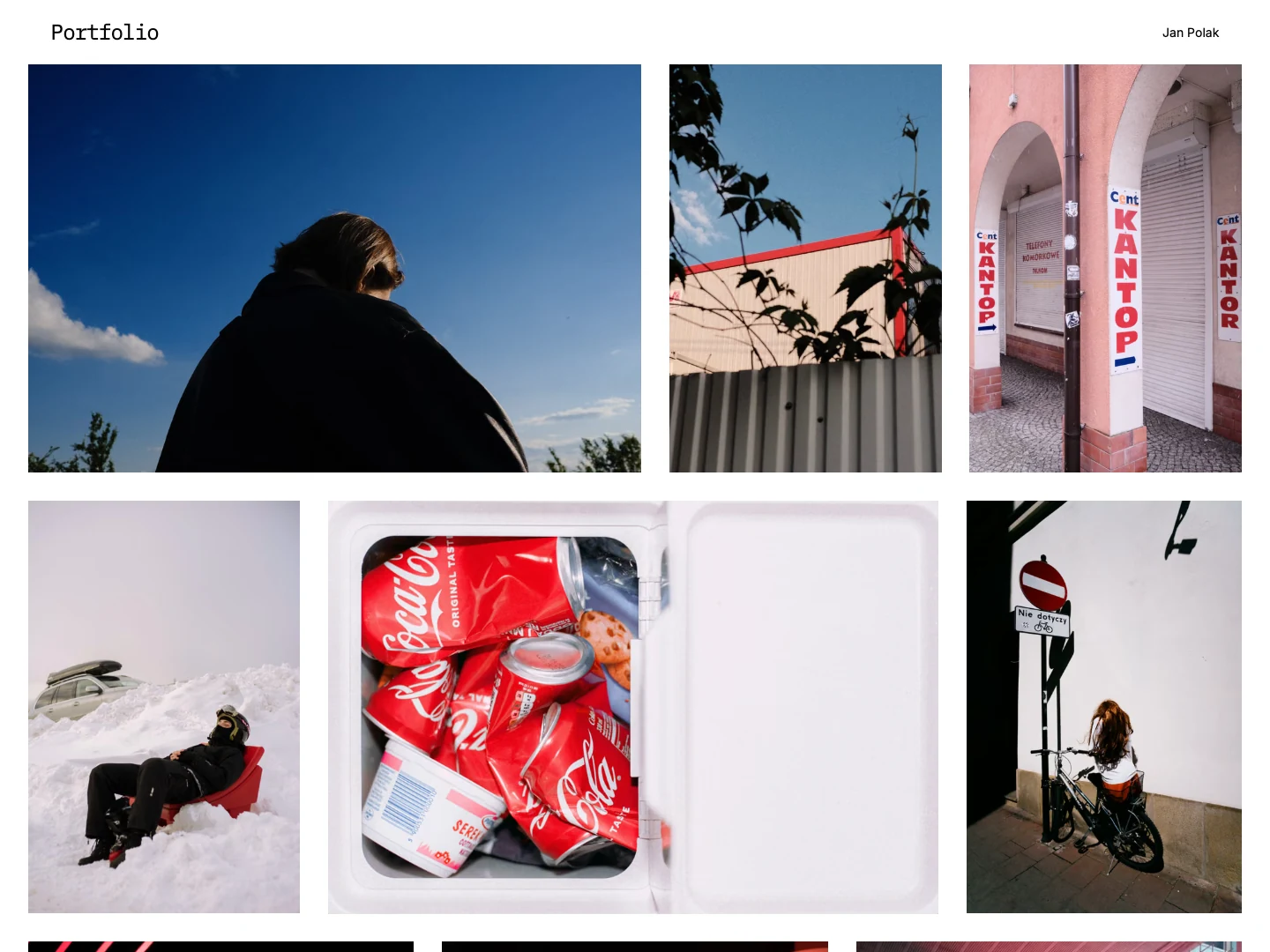
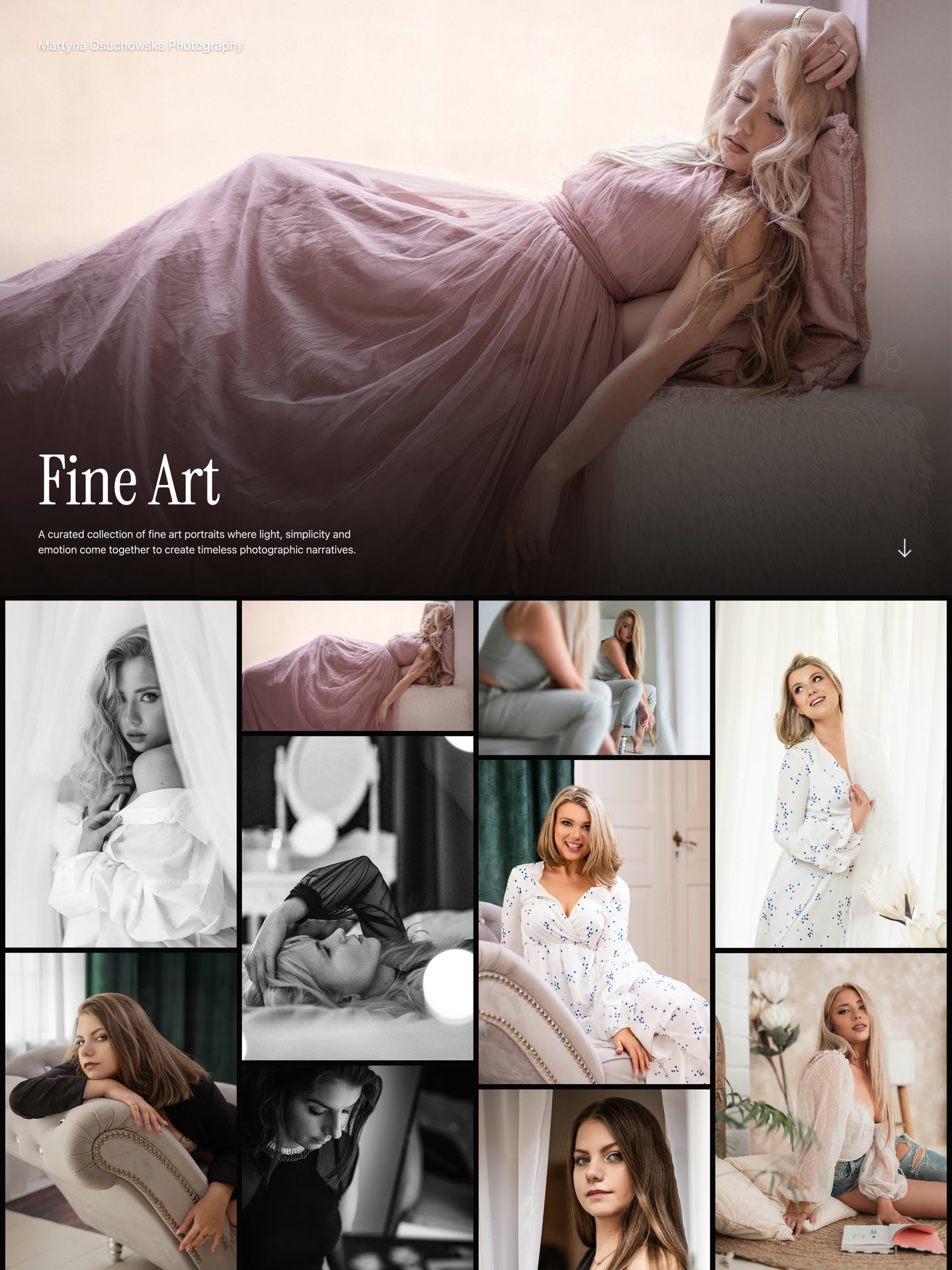
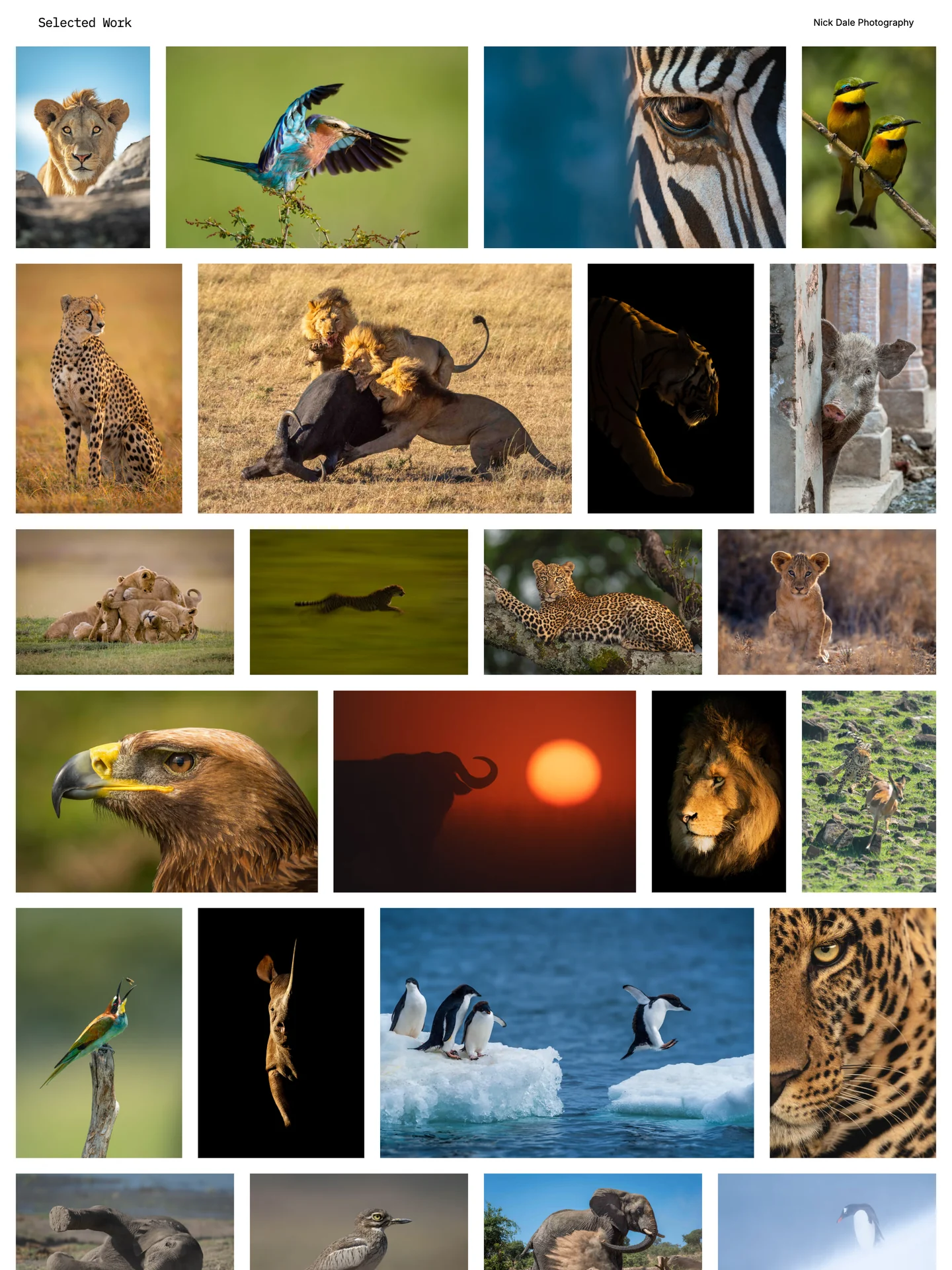
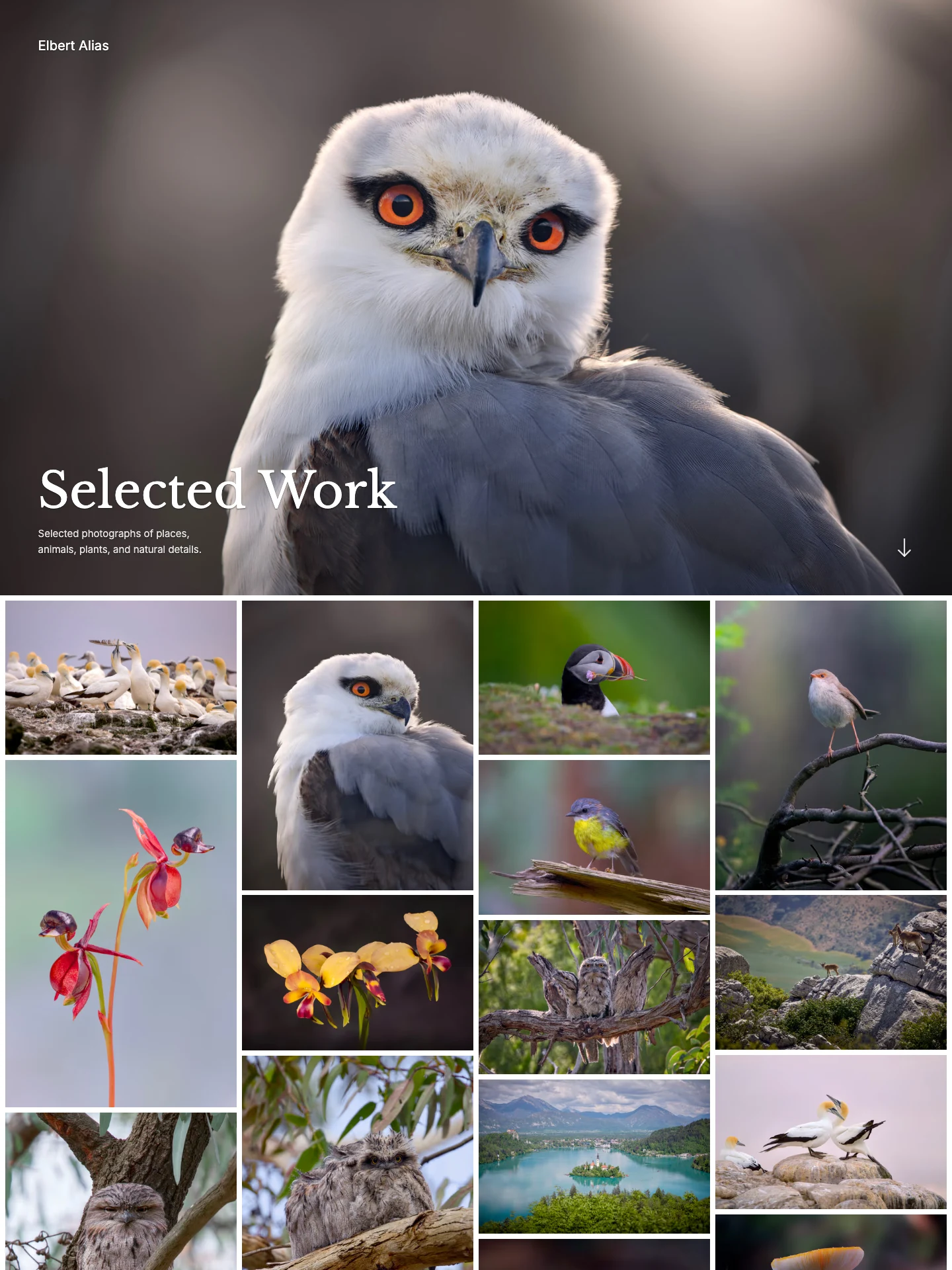
See what photographers publish.
Explore real galleries on ISO100, from fine art to wildlife and selected work.
Why choose ISO100 over Wix?
Choose a focused portfolio editor and a quieter free website.
Gallery design
- ISO100
- Gallery-focused controls. Shape each series with cover styles, photo layouts, spacing, and sequence.
- Wix
- Use Pro Gallery within a broader website editor, with apps and custom page layouts.
Free presentation
- ISO100
- No advertising banner. Publish with a small ISO100 footer, without a banner above your photographs.
- Wix
- Free websites display Wix branding; a paid plan removes it.
Free storage
- ISO100
- 5 GB of free storage. Store up to 250 photos across five galleries within 5 GB. Unpublished photos and image variants use the allowance.
- Wix
- Free websites include 500 MB of storage and 1 GB of bandwidth.
Need bookings, apps, or custom page layouts? Keep Wix alongside your portfolio.
Compare Free and PlusFinish your photos before publishing.
Crop and straighten, fine-tune light and color, refine detail, and shape your look with curves and presets. Use masks to adjust selected areas and cloning to remove distractions. Your uploaded original stays intact.

Make the portfolio feel like yours.
Start with a curated layout built for photography. Make it yours with cover styles, typography, colors, and gallery settings designed to work together.
Try a few gallery settings below.





Bring your photographs from Wix.
Bring your own photographs from Wix Media Manager or your local library. Recreate the galleries and text you want to keep; Wix designs, apps, and business records do not transfer. Review in ISO100, then publish when ready. Importing does not publish your portfolio.
How to import your photosQuestions about switching.
Can I sell photographs commission-free?
Yes. Sell individual photo downloads or complete galleries as ZIP files, with your chosen prices and licenses. ISO100 takes no commission on those sales.
How do I bring my photographs from Wix?
Use your finished photo files or a supported export from Wix. Import your selection, review the photographs and galleries, then publish when ready. The import guide explains how to prepare your files; website designs and business records are not recreated.
Can I publish my portfolio for free?
Yes. Publish up to 250 photos across five galleries, with 5 GB of storage. The allowance includes unpublished photographs, uploaded originals, and their viewing copies. See the plan comparison for full details.
Can I use my existing domain?
Yes. Build and preview your portfolio, then connect your domain when you are ready. Follow the domain setup guide to make the switch; old page addresses may need separate redirects.
Can I create pages alongside my galleries?
Yes. Add custom pages for services, an artist statement, exhibitions, or project stories. Write and format your text, add photographs, and include an optional contact form within your portfolio.
Can I update a photograph without rebuilding its gallery?
Yes. Replace the file on an existing photograph to keep its link, title, rights notice, focal point, and gallery placements. Check the new image and crops, then publish the update when ready.
How should I prepare photographs for the best quality?
Start with finished originals or the highest-quality account downloads available. Check image dimensions before importing, then preview your selected work on desktop and mobile. Smaller web copies retain only the detail available in those files.
Can I try ISO100 while keeping Wix?
Yes. Build and preview your portfolio while keeping Wix active. Choose when to publish and switch your domain. Your existing account stays in place, so you can continue using its community, archive, or business services.
Can I import photos from Lightroom?
Yes. When Lightroom is offered in Studio, connect your Lightroom cloud account and choose photos to import. You can also upload finished exports from Lightroom Classic. Imported photos do not stay synchronized with Lightroom; later edits need another import or a replacement file.
Can I edit photos before publishing?
Yes. Crop photos, adjust light and color, apply presets, and make local adjustments in Studio. The photo editor is included on Free and Plus, and your uploaded originals are preserved. Save your edits, review the result, then publish when ready.
Create your photography portfolio.
Bring your photographs across or upload a new selection. A free plan is available.